The practical answer
Shopify traffic but no sales: here is a practical decision framework.
When Shopify sessions rise but orders do not, first verify what those visitors wanted. A store can have product-discovery problems, poor pricing clarity, slow product pages, checkout friction, or unreliable tracking. Work from the first product impression through payment confirmation rather than guessing at a single cause.
For Shopify store owners, the first decisions are separate traffic by buying intent, check product-page promise, and audit images and fit information. These are linked: solving the later step before checking the earlier one may waste time or create additional operating costs. A useful plan therefore defines how the customer journey should work and tests its critical assumptions before investing in more features.
Illustrative situation (not a client case study): A footwear seller may attract buyers to a popular collection from social content but lose them on product pages when size availability, shipping charges, and returns are unclear. A performance audit should examine the full purchase journey.
Important limitation: A Shopify analytics report can contain attribution gaps. Use consistent date ranges, check sales channels, and distinguish sessions, add-to-carts, checkouts, paid orders, and refunds.
Original illustration—not a customer screenshot or measured result.
Before you change anything: a short diagnostic
A good investigation starts with separate traffic by buying intent. Compare search visitors looking for specific products with social visitors looking for inspiration; keep device and campaign differences visible. Its first proof point should be: Review conversion steps and order quality by channel and landing page.
Next review check product-page promise. Put product title, use case, differentiators, price, variant status, shipping, returns, and delivery terms where buyers can find them without hunting. An observable check is: Ask first-time shoppers to answer key pre-purchase questions using only the page.
Third, examine audit images and fit information. Show accurate multi-angle photos, proportion, size charts, and material details; avoid exaggerated retouching or unsupported claims. Evidence for this check is: Review product questions and return reasons to identify missing information.
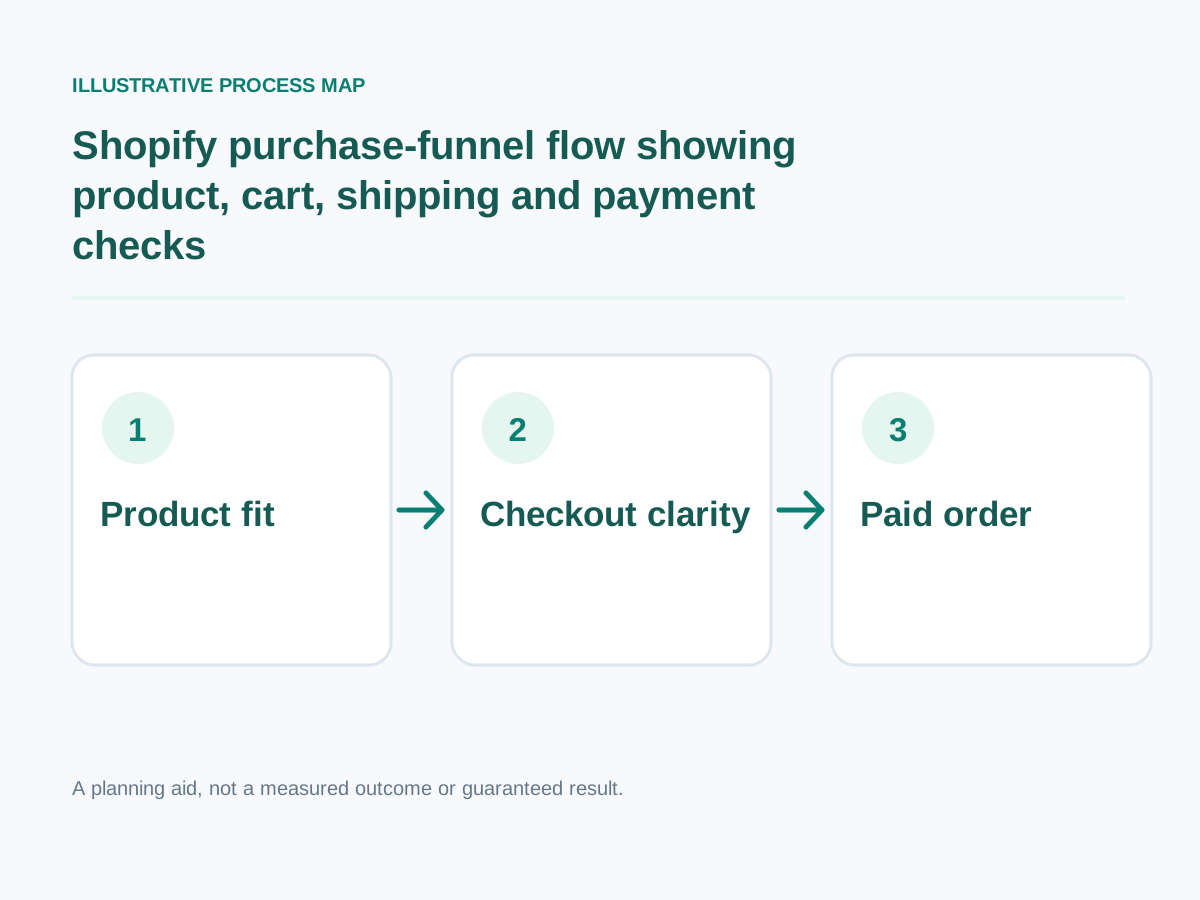
Conceptual workflow; adapt steps to your project.
Detailed step-by-step implementation plan
1. Separate traffic by buying intent
Compare search visitors looking for specific products with social visitors looking for inspiration; keep device and campaign differences visible.
How to verify: Review conversion steps and order quality by channel and landing page.
2. Check product-page promise
Put product title, use case, differentiators, price, variant status, shipping, returns, and delivery terms where buyers can find them without hunting.
How to verify: Ask first-time shoppers to answer key pre-purchase questions using only the page.
3. Audit images and fit information
Show accurate multi-angle photos, proportion, size charts, and material details; avoid exaggerated retouching or unsupported claims.
How to verify: Review product questions and return reasons to identify missing information.
4. Expose total costs earlier
Explain shipping thresholds, taxes, and delivery estimates before the customer reaches the final payment step whenever feasible.
How to verify: Compare abandoned checkout feedback with the final charges customers see.
5. Make variant selection reliable
Ensure size, color, quantity, and stock states update correctly, particularly on mobile screens and bundle interfaces.
How to verify: Try out-of-stock and valid variants and check cart accuracy.
6. Remove unnecessary app overhead
Audit third-party widgets, repeated trackers, popups, and unused storefront scripts; keep apps with demonstrated value.
How to verify: Measure field data and Lighthouse diagnostics before and after removing individual scripts.
7. Test carts and discounts
Run test promotions, automatic discount rules, delivery eligibility, and cart persistence; confirm unexpected combinations fail gracefully.
How to verify: Complete test orders with and without promotional codes.
8. Investigate payment failures
Inspect payment options, error messages, retries, and gateway restrictions by country; do not assume every abandoned checkout is a site defect.
How to verify: Test supported methods in a controlled environment and review payment error logs.
9. Improve mobile navigation and search
Verify collection filters, product search synonyms, sticky purchase controls, and accessible checkout steps.
How to verify: Complete a purchase on a common mobile viewport without pinch-zooming.
10. Follow up ethically on abandonment
Use consent-aware cart recovery, practical reminder copy, and accurate policy information; avoid high-pressure countdowns or fake scarcity.
How to verify: Compare recovered orders and unsubscribe complaints, not just email opens.
Additional focused checks
- Check search results return relevant products for common synonyms. How to verify: Search using three common customer phrases and confirm the results show the intended products.
- Test empty-cart and checkout error screens. How to verify: Trigger a safe test-state failure and verify the user sees a clear recovery path without losing their cart.
- Show order tracking and customer-service contact paths. How to verify: Place a safe test order and verify tracking and support details are reachable on mobile.
- Verify the discount banner matches actual checkout logic. How to verify: Complete a sandbox purchase and compare the displayed costs, confirmation and order record.
- Review international currency and delivery promises where offered. How to verify: Compare the onscreen policy with the actual merchant process and test whether buyers can find it before committing.
- Confirm review widgets display genuine feedback with permission. How to verify: Check the permission, provenance and currency of every displayed customer statement or supporting credential.
- Inspect duplicate tracking and abandoned-cart event definitions. How to verify: Place a safe test order and verify tracking and support details are reachable on mobile.
Worked decision scenario
Illustrative business situation: A footwear seller may attract buyers to a popular collection from social content but lose them on product pages when size availability, shipping charges, and returns are unclear. A performance audit should examine the full purchase journey.
For this situation, begin with expose total costs earlier: Explain shipping thresholds, taxes, and delivery estimates before the customer reaches the final payment step whenever feasible. This clarifies an early implementation dependency before committing to a large rewrite.
The next decision concerns make variant selection reliable: Ensure size, color, quantity, and stock states update correctly, particularly on mobile screens and bundle interfaces. In a practical project, translate this requirement into a demonstration that the owner, staff and end user can understand. The suggested acceptance check is: Try out-of-stock and valid variants and check cart accuracy.
Finally, review remove unnecessary app overhead: Audit third-party widgets, repeated trackers, popups, and unused storefront scripts; keep apps with demonstrated value. This example is hypothetical, not a claimed client engagement. No before-and-after revenue or search result is implied. A real case study would require prior measurements, documented implementation, permission and an accurate description of what happened.
Measurement plan: what to track and what not to assume
Compare paid orders per product-page session with add-to-cart, checkout-start and payment-failure events. Segment results by device, source and product availability to distinguish traffic mismatch from checkout friction.
Start with these practical evidence points: investigate payment failures — Test supported methods in a controlled environment and review payment error logs. Next examine improve mobile navigation and search — Complete a purchase on a common mobile viewport without pinch-zooming. Then assess follow up ethically on abandonment — Compare recovered orders and unsubscribe complaints, not just email opens.
Common mistakes and safer alternatives
- Skipping check product-page promise. Corrective approach: Put product title, use case, differentiators, price, variant status, shipping, returns, and delivery terms where buyers can find them without hunting. To know whether the fix works, ask first-time shoppers to answer key pre-purchase questions using only the page.
- Skipping expose total costs earlier. Corrective approach: Explain shipping thresholds, taxes, and delivery estimates before the customer reaches the final payment step whenever feasible. To know whether the fix works, compare abandoned checkout feedback with the final charges customers see.
- Skipping remove unnecessary app overhead. Corrective approach: Audit third-party widgets, repeated trackers, popups, and unused storefront scripts; keep apps with demonstrated value. To know whether the fix works, measure field data and Lighthouse diagnostics before and after removing individual scripts.
- Skipping investigate payment failures. Corrective approach: Inspect payment options, error messages, retries, and gateway restrictions by country; do not assume every abandoned checkout is a site defect. To know whether the fix works, test supported methods in a controlled environment and review payment error logs.
- Skipping follow up ethically on abandonment. Corrective approach: Use consent-aware cart recovery, practical reminder copy, and accurate policy information; avoid high-pressure countdowns or fake scarcity. To know whether the fix works, compare recovered orders and unsubscribe complaints, not just email opens.
A practical four-week execution roadmap
Week 1 — Diagnose and establish requirements: Focus on separate traffic by buying intent, check product-page promise, audit images and fit information. Review conversion steps and order quality by channel and landing page.; Ask first-time shoppers to answer key pre-purchase questions using only the page.
Week 2 — Prototype the highest-impact change: Focus on expose total costs earlier, make variant selection reliable. Compare abandoned checkout feedback with the final charges customers see.; Try out-of-stock and valid variants and check cart accuracy.
Week 3 — Implement and validate: Focus on remove unnecessary app overhead, test carts and discounts, investigate payment failures. Measure field data and Lighthouse diagnostics before and after removing individual scripts.; Complete test orders with and without promotional codes.
Week 4 — Verify decisions: Revisit these priorities: improve mobile navigation and search, follow up ethically on abandonment. Complete a purchase on a common mobile viewport without pinch-zooming. Compare recovered orders and unsubscribe complaints, not just email opens. Document the date, measurement method and any unresolved risks.
Final checklist before hiring or implementing
- Review conversion steps and order quality by channel and landing page.
- Ask first-time shoppers to answer key pre-purchase questions using only the page.
- Review product questions and return reasons to identify missing information.
- Compare abandoned checkout feedback with the final charges customers see.
- Try out-of-stock and valid variants and check cart accuracy.
- Measure field data and Lighthouse diagnostics before and after removing individual scripts.
- Complete test orders with and without promotional codes.
- Test supported methods in a controlled environment and review payment error logs.
- Complete a purchase on a common mobile viewport without pinch-zooming.
- Compare recovered orders and unsubscribe complaints, not just email opens.
Want help implementing this?
Need implementation support? If you want to diagnose Shopify checkout drop-offs, review my primary development service and related specialist service. You can also try the free website-planning tools before discussing scope. Book a free consultation to discuss your specific requirements; results depend on traffic, implementation and the business context.
Reference material and transparency
Documentation reviewed: 30 October 2026.
-
Verified technical fact: Shopify's checkout shipping options depend on store shipping configuration and the buyer's shipping address; merchants can verify them with test orders. Shopify Help Center
-
Verified technical fact: Shopify Flow has an abandoned-checkout trigger, but checkouts suspected to be card testing or bot activity do not create abandoned checkout records. Shopify Help Center
-
Verified technical fact: Shopify guidance requires obtaining appropriate customer agreement before promotional email; consent configuration and local-law duties still require merchant review. Shopify Help Center
Additional checked source (30 October 2026): Shopify's abandoned-checkout recovery depends on supported sales channels, relevant consent settings and eligibility; suspected bot or card-testing activity may not be recorded as abandoned checkout. Official primary source
Scope / limits: Merchant-specific recovery rates, payment failures and current automation settings require store access.
Evidence boundary: The official links below substantiate these specific platform/technical facts, not the article's illustrative scenarios, a guaranteed traffic/sales outcome, or any claim about an actual client.