
The "Silent" Website Problem: Traffic Without Enquiries
There is little more frustrating for a business owner than watching analytics dashboards show steady visitor numbers while the digital inbox remains completely empty. You are paying for ads, investing in organic reach, or sharing social links, but your digital asset is failing to convert visitors into prospective buyers. When this happens, businesses often jump to conclusions. Some assume they simply need more traffic, pouring additional budget into channels that only amplify an already broken conversion funnel. Others assume their entire tech stack is obsolete and rush into an expensive redesign without knowing what went wrong in the first place.
To diagnose the root cause accurately, we must separate technical health from conversion health. A website can load instantly and pass every code standard, yet still fail to generate a single lead if the messaging misses the mark or the enquiry process feels like navigating an obstacle course. As a professional web developer, I approach these failures through a repeatable diagnostic lens rather than relying on guesswork or surface-level cosmetic changes. Understanding how to evaluate your own digital properties requires a methodical process that examines everything from server delivery to human psychology.
The Lead-Leak Matrix: A 3-Layer Diagnostic Framework
When evaluating a failing website, I use a structured framework called the Lead-Leak Matrix. This diagnostic model breaks down user drop-off into three distinct layers, ensuring no potential bottleneck is overlooked during the review process.
Layer 1: The Technical Layer (Does the site function reliably?)
Before a user can read your pitch, your website must load cleanly across all devices and screen sizes. Technical failures instantly erode trust and cause immediate visitor drop-off. I begin my reviews by checking browser console errors, inspecting mobile viewports, and running performance diagnostics via tools like PageSpeed Insights.
Remember that performance metrics are not just arbitrary numbers; they reflect user experience foundations, as outlined in Understanding page experience in Google Search results. While a high score does not guarantee top search rankings, slow asset delivery, broken scripts, and layout shifts drive frustrated users away before they ever see your call to action. Ensuring your infrastructure handles requests smoothly is the foundational prerequisite for any lead generation effort.
Layer 2: The Cognitive Layer (Does the value prop register instantly?)
Once the page loads, visitors decide within seconds whether they are in the right place. According to guidelines on Creating helpful, reliable, people-first content, your messaging must serve the human visitor immediately. If a user lands on your homepage and cannot answer three basic questions within five seconds—What do you do? Who is it for? Why should I care?—they will bounce.
Too many websites rely on corporate jargon, vague taglines, or clever design elements that obscure the actual service being offered. Clear, direct language always outperforms vague cleverness when it comes to capturing commercial intent. Your headline must instantly communicate your core capability, and your subheadline should back it up with concrete proof or clarity of scope.
Layer 3: The Actionable Layer (Removing Conversion Friction)
If your visitor understands your offer and remains on the page, the path to reaching out must be completely frictionless. Common conversion killers include multi-step forms asking for unnecessary details too early, broken form submission endpoints or missing success confirmation states, vague contact buttons labelled simply "Submit" instead of action-oriented phrases, and hidden phone numbers or missing direct email alternatives for mobile users.

Symptoms vs. Root Causes: Website Diagnostic Table
To help pinpoint your specific site issues before making structural changes, use this quick diagnostic reference table:
| Symptom Observed | Likely Root Cause | Recommended Investigation |
|---|---|---|
| High mobile bounce rate | Slow layout shift or poor touch target spacing | Inspect mobile viewports and measure asset load priority |
| High traffic, zero form fills | Unclear value proposition or hidden contact path | Review hero section messaging and form accessibility |
| Low form completion rate | Excessive form fields or friction in submission | Test the submission flow manually across multiple browsers |
| Sudden drop in organic reach | Content misalignment with search intent | Audit page copy against real user queries using the SEO Starter Guide |
Deep-Dive Diagnostic Checklist: Step-by-Step Execution
To execute a rigorous self-audit on your own website, follow this step-by-step checklist before consulting a development partner:
- Console & Error Inspection: Open your browser's developer tools, navigate to your key landing pages, and check the console tab. JavaScript errors, failed script loads, or blocked assets can silently break interactive elements like dropdowns, calculators, and contact forms.
- Mobile Device Emulation: Do not just resize your desktop browser. Test your site on an actual smartphone. Examine tap target sizes, font scaling, sticky navigation bars, and whether form inputs trigger the correct mobile keyboard types.
- Value Proposition Clarity Test: Show your homepage to a colleague or acquaintance for exactly five seconds, then close the tab. Ask them what your business does and who your target audience is. If they hesitate or guess incorrectly, your cognitive layer is leaking potential leads.
- Form Submission End-to-End Test: Submit a test enquiry through every form on your site. Check if the submission confirmation page loads correctly, whether notification emails reach your inbox immediately, and whether spam protection mechanisms like CAPTCHA interfere with legitimate submissions.
- Analytics Drop-Off Analysis: Review your analytics platform to find pages with high exit rates or low time-on-page metrics, particularly on mobile traffic segments. These pages represent your primary conversion leaks.
The Build vs. Fix Decision: Patch or Rebuild?
Once your website audit is complete, you will face a critical business decision: should you patch your existing website or invest in a full rebuild? If your platform is built on a modular system like WordPress, Shopify, or a modern JavaScript framework like Next.js, and the core architecture is sound, targeted fixes to your front-end layout and forms are usually the most cost-effective path forward. For a deeper understanding of what professional development investments involve, you can review this guide on Website Development Cost in India: A Clear Pricing Guide.
However, if your codebase is plagued by accumulated technical debt, unoptimized plugins, or an inflexible content management structure that makes simple updates painful, patching becomes a losing battle. In those cases, planning a clean, performance-optimized rebuild ensures long-term stability and conversion potential. When you are ready to evaluate who should partner with you on that journey, exploring options like those outlined in How to Choose the Best Web Developer in India: A Practical Evaluation Guide will help you make an informed choice.
Additional lead-generation checks for business websites
Use the following practical checks to diagnose why visitors are not turning into qualified enquiries. Validate outcomes with your own analytics and sales data, rather than assuming a universal conversion benchmark.
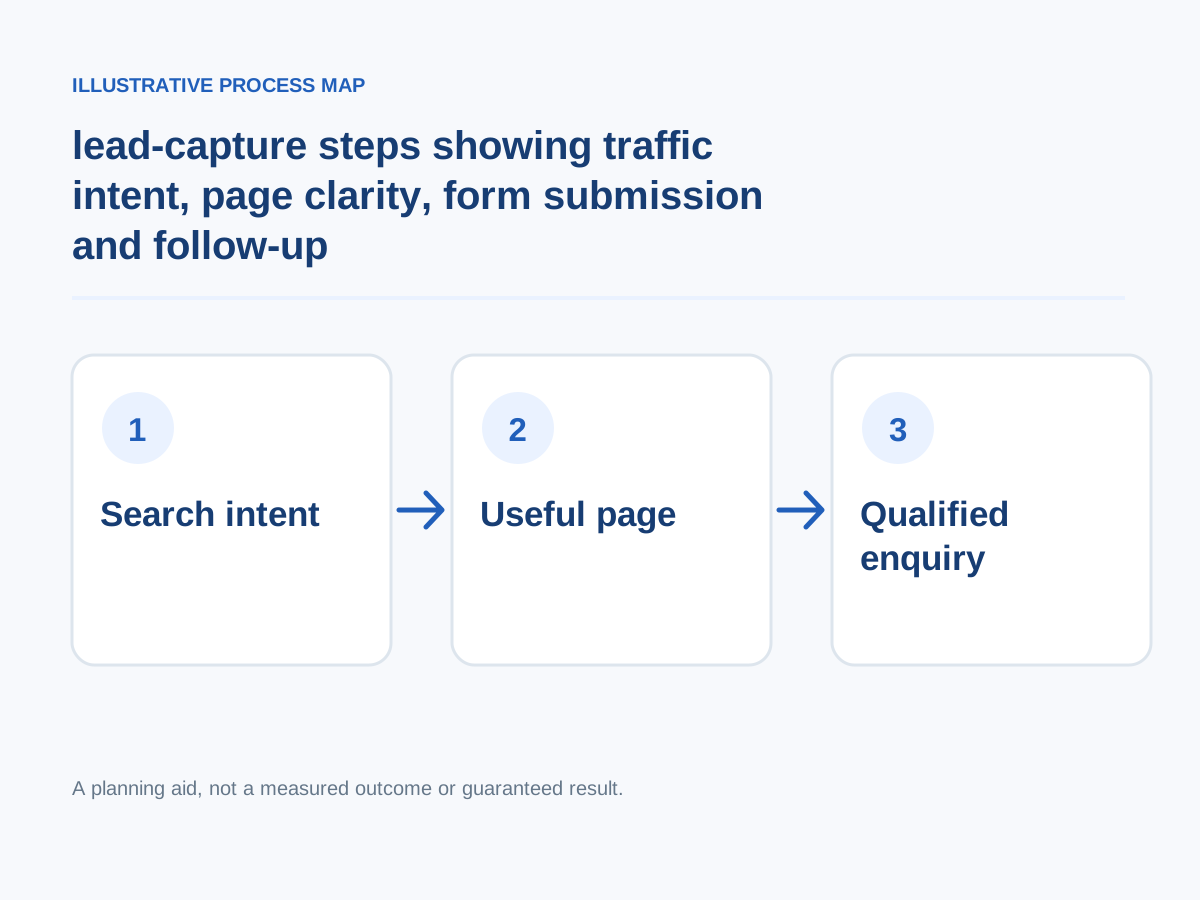
Conceptual illustration; not a client screenshot or measured result.
Test hypotheses with evidence
For enough traffic use disciplined experiments; for less traffic use qualitative checks and sequential measurements with caution.
How to verify: Document hypothesis, change, start/end dates, caveats and outcome.
Show useful evidence
Use documented project examples, truthful product demos, approved testimonials and relevant credentials.
How to verify: Audit proof authenticity and scope.
Answer the objections shoppers actually have
Surface terms, deliverables, delivery timing, refund conditions, integrations, customer support and eligibility.
How to verify: Analyze real sales questions and support conversations.
Measure after fixes
Prioritize changes by expected impact and implementation effort, then monitor quality of conversions over enough traffic to interpret results.
How to verify: Compare post-change qualified actions with the baseline and other concurrent factors.
Choose an outcome that matters
Track qualified enquiries, bookings, completed orders or requested demos rather than treating scrolling as success.
How to verify: Compare events with CRM and order records.
Prioritize and retest changes
Group problems by impact and effort; fix broken forms and misleading pages before spending weeks on decorative redesign.
How to verify: Establish a baseline, change one meaningful variable, and compare qualified leads over a reasonable period.
Answer buying objections
Provide transparent fees, scope exclusions, shipping, delivery, returns or timeline factors relevant to the offer.
How to verify: Compare actual support questions with visible answers.
Rewrite the first-screen promise
State who the company serves, which problem it solves, and which location or service area it covers; avoid an abstract tagline that forces the buyer to scroll.
How to verify: Ask a potential customer to explain the offer after seeing the first screen for five seconds.
Optimize page experience
Reduce render-blocking resources, image weight, layout shifts and long interactions while preserving important content.
How to verify: Monitor LCP, INP and CLS.
Make price context accessible
Provide actual pricing or clear cost factors where appropriate, including recurring fees and exclusions.
How to verify: Ask testers whether they can explain the expected commitment.
Match pages to specific services
Create a distinct, useful page for each materially different service with outcomes, scope, expected deliverables, realistic examples, and natural next steps.
How to verify: Compare each landing page with the query it receives; flag mismatched intent.
Present credible evidence
Show authentic results with methods, verified reviews, demonstrations or clearly labelled design concepts; never imply mockups are completed client work.
How to verify: Check evidence links and permissions.
Next step: Prioritise the checks relevant to your project, record a baseline, test changes and consult the website development services or book a consultation for implementation support.
Neutral Decision Summary
Fixing a website that fails to generate leads does not require guesswork or expensive redesigns built on hope. By methodically evaluating your technical performance, refining your value proposition for human readers, and removing friction from your enquiry paths, you can transform your website from a digital brochure into a reliable business engine.