The practical answer
Signs you need a website redesign: here is a practical decision framework.
A redesign is justified when the current website prevents customers from understanding, trusting or using the business. A dated visual appearance alone is not enough reason to rebuild. Diagnose structural constraints and high-impact usability failures before replacing something that still works.
For owners with underperforming websites, the first decisions are unclear first-screen positioning, persistent mobile usability issues, and broken key customer journeys. These are linked: solving the later step before checking the earlier one may waste time or create additional operating costs. A useful plan therefore defines how the customer journey should work and tests its critical assumptions before investing in more features.
Illustrative situation (not a client case study): A local professional services site may not need a brand-new framework; it might need clear service pages, accessible typography and a functioning consultation form. By contrast, an old store with an unsupported checkout plugin may require deeper reconstruction.
Important limitation: Major redesigns can disrupt existing search traffic. Preserve useful URLs, map redirects, record a baseline, and test indexability before launch.
Original illustration—not a customer screenshot or measured result.
Before you change anything: a short diagnostic
A good investigation starts with unclear first-screen positioning. If users cannot identify the service, audience, area served or action, restructure the hero and supporting message rather than adding a carousel. Its first proof point should be: Conduct a quick comprehension test with people unfamiliar with the company.
Next review persistent mobile usability issues. Repeated zooming, clipped forms, blocked CTA buttons or hard-to-tap menus indicate foundational responsive design problems. An observable check is: Test critical tasks across two physical mobile devices.
Third, examine broken key customer journeys. Quote forms, booking flows, product checkout, search or contact options failing regularly warrant immediate intervention. Evidence for this check is: Record end-to-end task completion and error frequency.
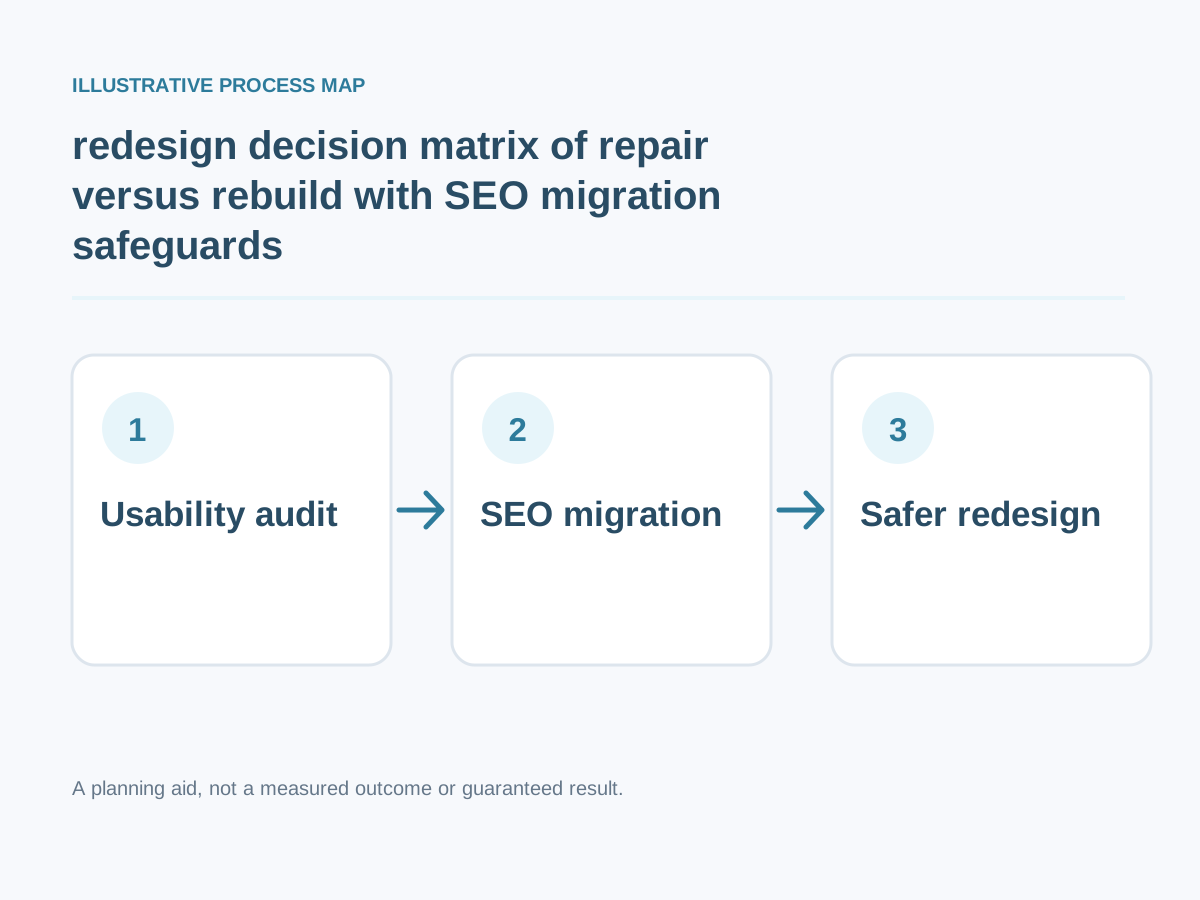
Conceptual workflow; adapt steps to your project.
Detailed step-by-step implementation plan
1. Unclear first-screen positioning
If users cannot identify the service, audience, area served or action, restructure the hero and supporting message rather than adding a carousel.
How to verify: Conduct a quick comprehension test with people unfamiliar with the company.
2. Persistent mobile usability issues
Repeated zooming, clipped forms, blocked CTA buttons or hard-to-tap menus indicate foundational responsive design problems.
How to verify: Test critical tasks across two physical mobile devices.
3. Broken key customer journeys
Quote forms, booking flows, product checkout, search or contact options failing regularly warrant immediate intervention.
How to verify: Record end-to-end task completion and error frequency.
4. Content structure cannot scale
When adding a service or location requires copying fragile layouts or developer intervention for minor updates, the content model may need redesign.
How to verify: Ask staff to publish a typical new page in staging.
5. Unmaintained technology stack
Unsupported dependencies, old plugins or undocumented integrations increase operational and security risk.
How to verify: Inventory software versions, update responsibilities and backups.
6. Search pages answer the wrong questions
Traffic may land on a broad homepage even when buyers need detailed solution pages, pricing factors and evidence.
How to verify: Review landing pages, query intent and internal linking opportunities.
7. Poor accessibility and readability
Low contrast, unclear headings, missing labels and keyboard traps can exclude customers from completing simple tasks.
How to verify: Perform keyboard-only and screen-reader spot checks.
8. Fragmented brand identity
Inconsistent visual patterns and contradictory offers can make a company look less trustworthy even with good products.
How to verify: Audit typography, colors, voice and calls to action across core templates.
9. No reliable measurement
Missing consent-aware analytics, broken event tracking or unclear attribution prevent confident investment decisions.
How to verify: Compare measured submissions with actual inbox and CRM events.
10. Slow page experience despite targeted fixes
If large media, blocking scripts or layout instability cannot be resolved within current architecture, consider component and delivery changes.
How to verify: Compare diagnostics and field data before deciding to rebuild.
Additional focused checks
- Repeated users cannot locate the contact option on their first visit. How to verify: Give a first-time visitor a specific navigation task on mobile and record whether they can complete it without guidance.
- Pages repeatedly display inaccurate or unavailable products and services. How to verify: Cross-check the displayed availability against the source inventory or booking system and fix stale entries.
Worked decision scenario
Illustrative business situation: A local professional services site may not need a brand-new framework; it might need clear service pages, accessible typography and a functioning consultation form. By contrast, an old store with an unsupported checkout plugin may require deeper reconstruction.
For this situation, begin with content structure cannot scale: When adding a service or location requires copying fragile layouts or developer intervention for minor updates, the content model may need redesign. This clarifies an early implementation dependency before committing to a large rewrite.
The next decision concerns unmaintained technology stack: Unsupported dependencies, old plugins or undocumented integrations increase operational and security risk. In a practical project, translate this requirement into a demonstration that the owner, staff and end user can understand. The suggested acceptance check is: Inventory software versions, update responsibilities and backups.
Finally, review search pages answer the wrong questions: Traffic may land on a broad homepage even when buyers need detailed solution pages, pricing factors and evidence. This example is hypothetical, not a claimed client engagement. No before-and-after revenue or search result is implied. A real case study would require prior measurements, documented implementation, permission and an accurate description of what happened.
Measurement plan: what to track and what not to assume
Track the number and severity of failed buyer tasks, affected landing pages and lost enquiry events. Decide between targeted repairs and redesign based on measurable friction and migration risk.
Start with these practical evidence points: fragmented brand identity — Audit typography, colors, voice and calls to action across core templates. Next examine no reliable measurement — Compare measured submissions with actual inbox and CRM events. Then assess slow page experience despite targeted fixes — Compare diagnostics and field data before deciding to rebuild.
Common mistakes and safer alternatives
- Skipping persistent mobile usability issues. Corrective approach: Repeated zooming, clipped forms, blocked CTA buttons or hard-to-tap menus indicate foundational responsive design problems. To know whether the fix works, test critical tasks across two physical mobile devices.
- Skipping content structure cannot scale. Corrective approach: When adding a service or location requires copying fragile layouts or developer intervention for minor updates, the content model may need redesign. To know whether the fix works, ask staff to publish a typical new page in staging.
- Skipping search pages answer the wrong questions. Corrective approach: Traffic may land on a broad homepage even when buyers need detailed solution pages, pricing factors and evidence. To know whether the fix works, review landing pages, query intent and internal linking opportunities.
- Skipping fragmented brand identity. Corrective approach: Inconsistent visual patterns and contradictory offers can make a company look less trustworthy even with good products. To know whether the fix works, audit typography, colors, voice and calls to action across core templates.
- Skipping slow page experience despite targeted fixes. Corrective approach: If large media, blocking scripts or layout instability cannot be resolved within current architecture, consider component and delivery changes. To know whether the fix works, compare diagnostics and field data before deciding to rebuild.
A practical four-week execution roadmap
Week 1 — Diagnose and establish requirements: Focus on unclear first-screen positioning, persistent mobile usability issues, broken key customer journeys. Conduct a quick comprehension test with people unfamiliar with the company.; Test critical tasks across two physical mobile devices.
Week 2 — Prototype the highest-impact change: Focus on content structure cannot scale, unmaintained technology stack. Ask staff to publish a typical new page in staging.; Inventory software versions, update responsibilities and backups.
Week 3 — Implement and validate: Focus on search pages answer the wrong questions, poor accessibility and readability, fragmented brand identity. Review landing pages, query intent and internal linking opportunities.; Perform keyboard-only and screen-reader spot checks.
Week 4 — Verify decisions: Revisit these priorities: no reliable measurement, slow page experience despite targeted fixes. Compare measured submissions with actual inbox and CRM events. Compare diagnostics and field data before deciding to rebuild. Document the date, measurement method and any unresolved risks.
Final checklist before hiring or implementing
- Conduct a quick comprehension test with people unfamiliar with the company.
- Test critical tasks across two physical mobile devices.
- Record end-to-end task completion and error frequency.
- Ask staff to publish a typical new page in staging.
- Inventory software versions, update responsibilities and backups.
- Review landing pages, query intent and internal linking opportunities.
- Perform keyboard-only and screen-reader spot checks.
- Audit typography, colors, voice and calls to action across core templates.
- Compare measured submissions with actual inbox and CRM events.
- Compare diagnostics and field data before deciding to rebuild.
Want help implementing this?
Need implementation support? If you want to plan a safe website redesign, review my primary development service and related specialist service. You can also try the free website-planning tools before discussing scope. Book a free consultation to discuss your specific requirements; results depend on traffic, implementation and the business context.
Reference material and transparency
Documentation reviewed: 30 October 2026.
-
Verified technical fact: Google chooses the canonical URL among duplicates; redirects and rel=canonical are signals, not an absolute guarantee that Google selects a preferred URL. Google Search Central
-
Verified technical fact: Google uses mobile page content for mobile-first indexing and recommends responsive design because it is generally easiest to implement and maintain. Google Search Central
-
Verified technical fact: Google's good Core Web Vitals thresholds are LCP at most 2.5 seconds, INP below 200 milliseconds and CLS below 0.1; these are experience metrics, not promised project outcomes. Google Search Central
Additional checked source (30 October 2026): Google treats redirects and rel=canonical as signals in canonical URL selection; even a technically correct redesign does not guarantee unchanged rankings. Official primary source
Scope / limits: Inspect the site's sitemap, redirects, canonical HTML, Search Console and traffic before selecting a redesign plan.
Evidence boundary: The official links below substantiate these specific platform/technical facts, not the article's illustrative scenarios, a guaranteed traffic/sales outcome, or any claim about an actual client.