
The Performance vs. Design Myth
The tension between visual impact and technical speed stems from a misunderstanding of what actually slows websites down. Founders often believe that removing large hero banners, custom illustrations, or rich typography is the only way to green-light their performance metrics.
However, a heavy design element is rarely the root cause of poor performance. More often, the culprits are unoptimized asset delivery pipelines, bloated third-party tracking scripts, render-blocking stylesheets, and poor rendering architecture. When unoptimized elements accumulate, they often translate directly into user friction, resulting in elevated bounce rates similar to those analyzed in Why Does My Business Website Have a High Bounce Rate?.
This is where understanding Perceived Performance changes the strategy. Actual performance is measured in milliseconds and technical benchmarks. Perceived performance is how fast the user feels the website is loading. By utilizing skeleton loaders, progressive image rendering, and prioritizing above-the-fold critical assets, you can deliver an immersive, high-end visual experience while the browser quietly finishes loading secondary elements in the background.
My Framework: The Visual Integrity Optimization Strategy
When I audit a site that suffers from sluggish performance without wanting to compromise its aesthetic appeal, I rely on a structured, three-step approach: Identify what is essential to the brand, Isolate what is dragging down performance, and Optimize the technical delivery without altering the visual presentation.
Asset Management: Modern Formats and Responsive Delivery
Images and media often constitute the largest percentage of a page's weight. The mistake most developers make is either crushing image quality until it looks pixelated or leaving massive multi-megabyte PNG files untouched.
My approach involves moving away from legacy formats and adopting modern standards like WebP and AVIF. These formats offer exceptional compression ratios while preserving visual crispness. Furthermore, implementing responsive image delivery ensures that a mobile user browsing on a smartphone isn't forced to download a 4K desktop asset.
Strategic Loading: Prioritizing the Hero Section
Your user's first impression happens above the fold. That hero banner, headline, and primary call-to-action must load instantly.
Everything else—testimonials, footer graphics, secondary sliders, and embedded widgets—can wait. By implementing strict lazy loading for below-the-fold elements, the browser allocates its resources immediately to rendering the visual elements that matter most. If you are building on a modern stack, consulting resources like Next.js Metadata and OG images can help streamline how assets are structured and loaded.
Code Efficiency and Framework Selection
Whether you are building on WordPress or evaluating options via Next.js vs WordPress for SEO: What Actually Matters, code bloat will kill performance. Clean code doesn't mean boring design. It means removing unused CSS, tree-shaking JavaScript libraries so you only load what is necessary for the current page, and utilizing efficient server-side rendering where appropriate.
Third-Party Script Audit
Before you touch a single brand graphic or custom font, look at your third-party scripts. Heatmaps, live chat widgets, analytics trackers, and marketing pop-ups are notorious for clogging the main thread.
Often, a site's slow load time has nothing to do with the stunning design crafted by the UI/UX team and everything to do with six different marketing pixels firing simultaneously before the page can even parse its primary stylesheet.

Practical Evaluation Matrix: Design Elements vs. Performance Cost
To make informed decisions during a redesign or optimization sprint, it helps to map out common design components against their actual performance drag and technical remedy:
- Custom Brand Fonts: High aesthetic value, moderate performance impact if loaded unoptimized. Remedy: Self-host WOFF2 files, apply
font-display: swap, and limit weight variations to what is strictly used. - Hero Background Imagery: High emotional impact, high weight impact if left unoptimized. Remedy: Convert to WebP/AVIF, use explicit dimension attributes, and serve responsive image sets via
srcset. - UI Animations & Micro-Interactions: High engagement value, very low performance impact when built with CSS/hardware acceleration. Remedy: Avoid heavy JavaScript-driven animation libraries for simple visual cues.
- Embedded Third-Party Widgets: Low brand design value, catastrophic performance impact. Remedy: Defer execution, lazy-load on interaction, or replace with lightweight native alternatives.
When to Compromise: The Reality Check
While almost any design can be optimized, there are occasional moments where a design element is fundamentally impractical for the web. For example, a full-screen, unoptimized 4K looping background video on a mobile landing page will always cripple performance, no matter how powerful the server is.
In these instances, a skilled developer knows how to provide the exact same emotional resonance and visual feel using lighter alternatives—such as a static high-res poster image with a subtle CSS animation, or a compressed, muted video clip that only loads on desktop viewports.
As noted in Google's guidance on Understanding page experience in Google Search results, performance metrics are vital signals for user retention, but they must be balanced sensibly against content relevance and user intent.
Performance troubleshooting without losing design quality
These checks add practical verification steps to the framework above. Test them against your actual business setup and measure outcomes rather than assuming any particular result.
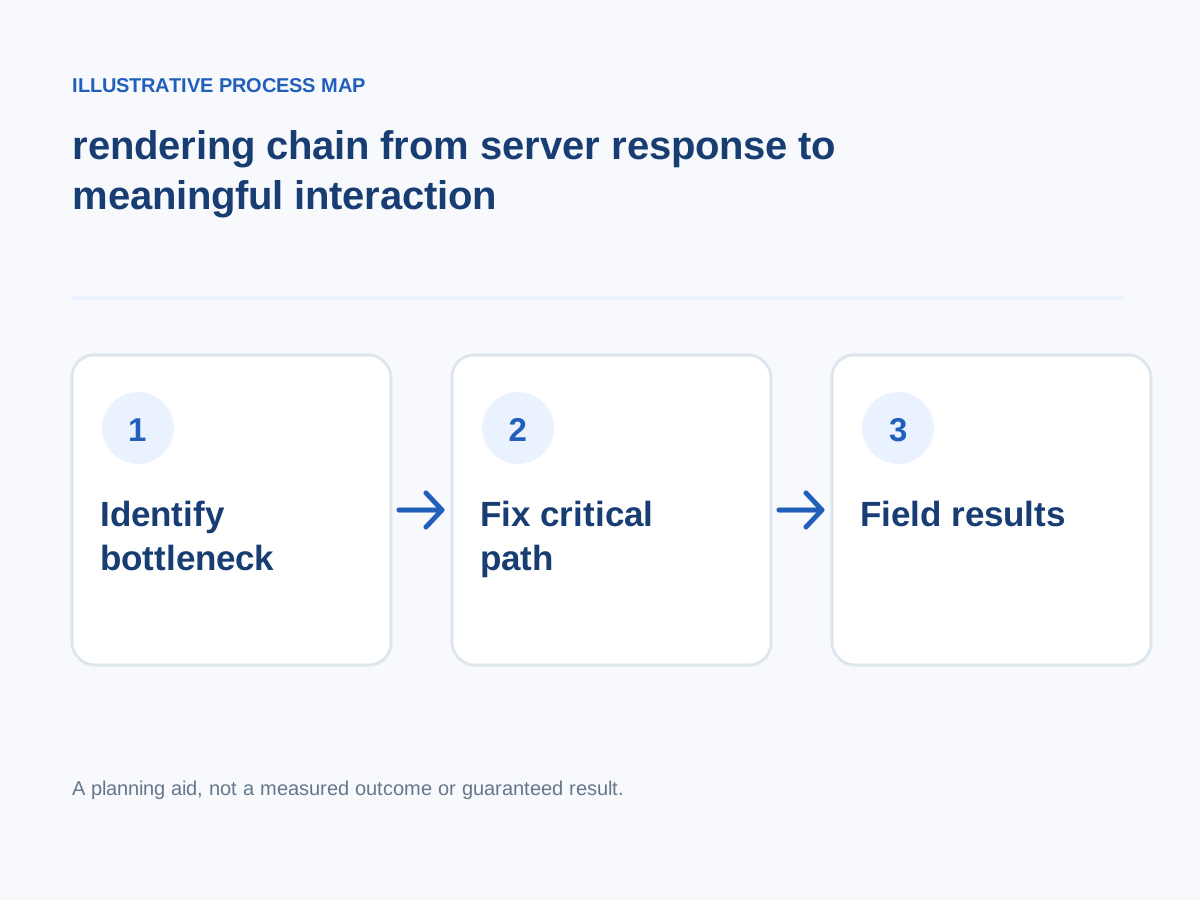
Conceptual illustration; not a client screenshot or measured result.
Improve origin and cache strategy
Review server response, database work, CDN behavior and cache invalidation.
How to verify: Compare repeat and cold requests across regions.
Measure before changing anything
Test key page templates and define the most important user actions.
How to verify: Record LCP, INP, CLS, transfer bytes and test conditions.
Prevent layout shifts
Reserve image and embed space, use stable fonts and avoid unexpected banner insertion.
How to verify: Trace CLS contributors on representative pages.
Monitor after releases
New apps, trackers and content can undo gains.
How to verify: Add regression checks to deployment and content workflows.
Find the largest loading element
Inspect the LCP element and whether it is delayed by network, render blocking, or late resource discovery.
How to verify: Compare the LCP trace before and after a targeted fix.
Reduce render-blocking styles
Consolidate critical styles, drop unused CSS and minimize font variants; do not harm accessibility.
How to verify: Check first paint and layout stability.
Protect interaction responsiveness
Break long tasks and defer nonessential work rather than making the page look loaded but unresponsive.
How to verify: Review INP across high-value user actions.
Serve right-sized images
Use responsive sizes, modern formats and sensible quality; avoid loading desktop-size assets on phones.
How to verify: Check actual requested dimensions and downloaded bytes.
Next step: Prioritise the checks relevant to your project, record a baseline, test changes and consult the website development services or book a consultation for implementation support.
Decision Summary: Preserving Your Brand While Accelerating Growth
Opting for a fast website should never feel like a downgrade to your brand equity. When you treat speed as a design feature rather than a technical afterthought, your business benefits from stronger user retention, lower bounce rates, and a smoother conversion journey. Whether you are running a service-oriented platform or planning an ecommerce storefront, the right technical architecture ensures your visitors experience both beauty and velocity.