The practical answer
Website mistakes often create invisible costs: a confusing promise, delayed response, unreliable forms, hidden delivery terms or a poor mobile experience can undermine enquiries before anyone contacts you. Diagnose real customer tasks rather than treating every aesthetic preference as a conversion problem.
For small and medium business owners, the first decisions are clarity failures in the first screen, inaccurate or outdated information, and weak service and product detail. These are linked: solving the later step before checking the earlier one may waste time or create additional operating costs. A useful plan therefore defines how the customer journey should work and tests its critical assumptions before investing in more features.
Illustrative situation (not a client case study): A local repair company could fix the typography and still lose leads if emergency-service hours are hidden and contact links do not work. Prioritize failures that prevent buyers from taking the next step.
Important limitation: Claims about conversion losses need a measured baseline. The following is a practical diagnostic checklist, not a quantified study of 25 websites.
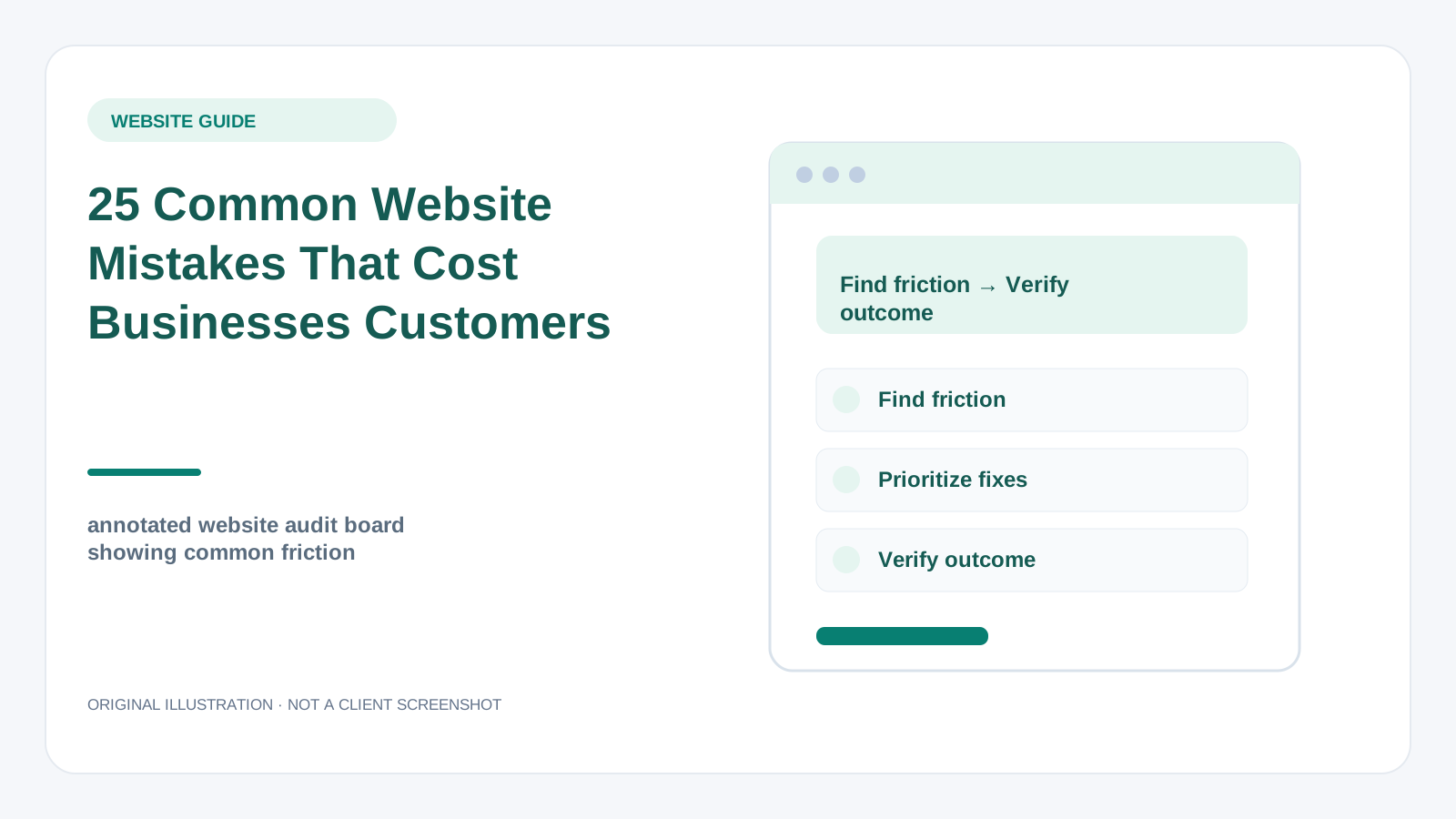
Original illustration—not a customer screenshot or measured result.
Before you change anything: a short diagnostic
A good investigation starts with clarity failures in the first screen. Watch for vague slogans, no audience definition, overloaded menus, competing CTAs and missing location information. Its first proof point should be: Test whether a first-time visitor can describe the service and contact path.
Next review inaccurate or outdated information. Check old prices, wrong hours, unsupported guarantees, broken policies and services no longer provided. An observable check is: Confirm key business facts with the actual operator.
Third, examine weak service and product detail. Avoid empty pages that hide scope, limitations, sizes, specifications and delivery expectations. Evidence for this check is: Compare support questions with page content gaps.
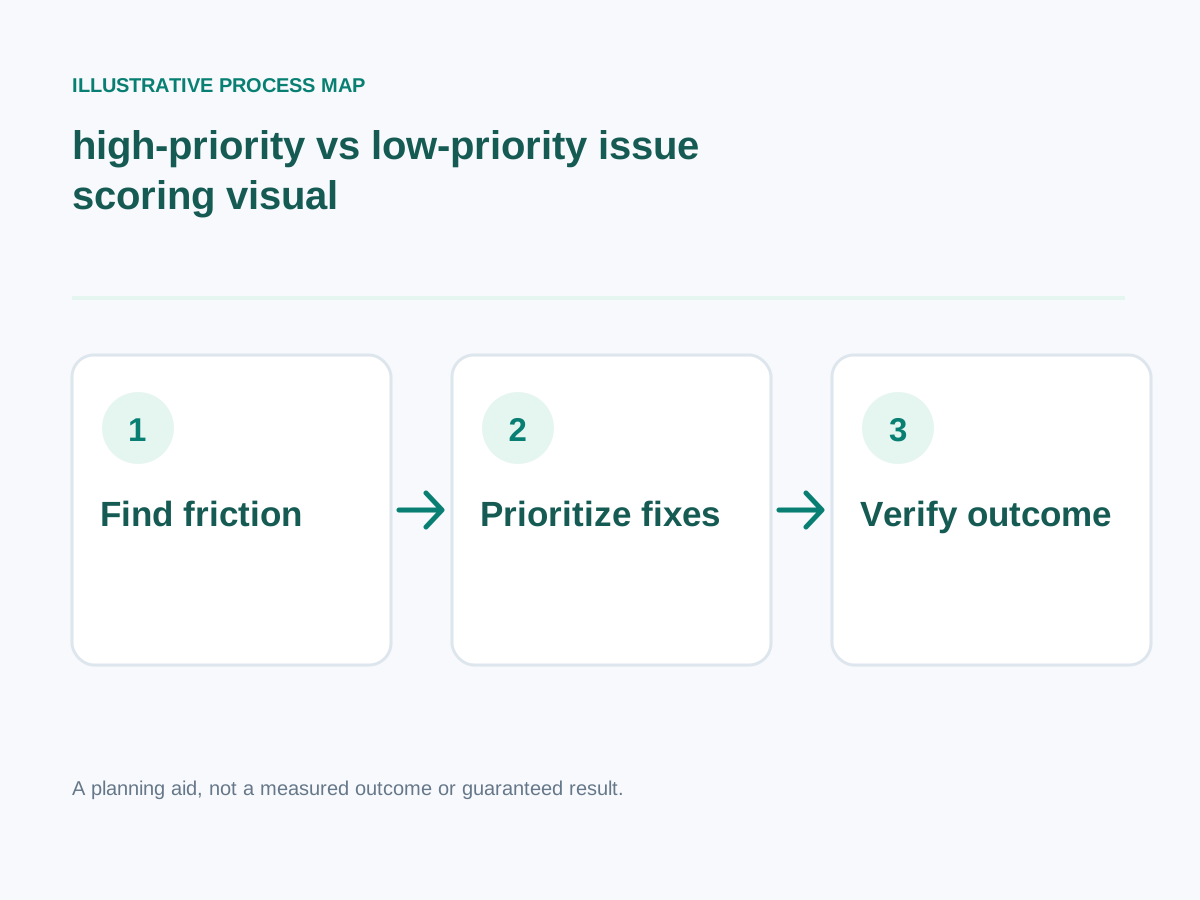
Conceptual workflow; adapt steps to your project.
Detailed step-by-step implementation plan
1. Clarity failures in the first screen
Watch for vague slogans, no audience definition, overloaded menus, competing CTAs and missing location information.
How to verify: Test whether a first-time visitor can describe the service and contact path.
2. Inaccurate or outdated information
Check old prices, wrong hours, unsupported guarantees, broken policies and services no longer provided.
How to verify: Confirm key business facts with the actual operator.
3. Weak service and product detail
Avoid empty pages that hide scope, limitations, sizes, specifications and delivery expectations.
How to verify: Compare support questions with page content gaps.
4. Friction in forms and checkout
Watch for too many fields, unhelpful error messages, unexpected mandatory accounts and confusing payment recovery.
How to verify: Submit test forms and payments with invalid and valid inputs.
5. Poor mobile and accessible design
Check illegible fonts, tiny buttons, fixed overlays, keyboard traps and content hidden by sticky bars.
How to verify: Complete core tasks with keyboard and touch navigation.
6. Performance problems
Investigate oversized hero media, too many third-party scripts, late-loading fonts and unexpected layout shifts.
How to verify: Test Core Web Vitals on important templates.
7. Misleading social proof
Remove invented counters, fake reviews, unverified awards, borrowed portfolio work and claims without evidence.
How to verify: Match every testimonial or case claim to an approved source.
8. Weak search organization
Watch for duplicate intent pages, absent service detail, broken internal links and confusing navigation labels.
How to verify: Review Search Console queries and crawl routes.
9. No reliable measurement
Missing submission tracking, broken analytics and unconnected CRM prevent learning from the website.
How to verify: Reconcile test conversions with actual records.
10. No maintenance ownership
Outdated plugins, expired domains, untested backups and lost admin access can break a successful site.
How to verify: Assign clear ownership and a recurring maintenance checklist.
Additional focused checks
- Non-descriptive links confuse first-time visitors. How to verify: Give a first-time visitor a specific navigation task on mobile and record whether they can complete it without guidance.
- A floating chat widget covers the mobile booking button. How to verify: Run a test booking, confirm it reaches the actual calendar, and test cancellation or rescheduling.
- Important policies are linked only from tiny footer text. How to verify: Give a first-time visitor a specific navigation task on mobile and record whether they can complete it without guidance.
- Product or service photos do not match the actual offer. How to verify: Check a representative product using real variant and sizing data, then test the selection on mobile.
- Broken search returns irrelevant or empty results without guidance. How to verify: Compare the onscreen policy with the actual merchant process and test whether buyers can find it before committing.
- Website notifications arrive in an unmonitored inbox. How to verify: Test this specific scenario with a real user, capture the observed outcome, and record whether the issue is reproducible.
- Old promotional banners imply expired offers remain valid. How to verify: Test this specific scenario with a real user, capture the observed outcome, and record whether the issue is reproducible.
- Form errors erase the information a customer already entered. How to verify: Test this specific scenario with a real user, capture the observed outcome, and record whether the issue is reproducible.
- Pages use multiple competing H1 headings without clear structure. How to verify: Test this specific scenario with a real user, capture the observed outcome, and record whether the issue is reproducible.
- Accessibility focus indicators are removed for aesthetics. How to verify: Test keyboard navigation, visible labels and contrast, then record any failed user task.
- Every category has nearly identical SEO copy. How to verify: Test this specific scenario with a real user, capture the observed outcome, and record whether the issue is reproducible.
- Key buttons use jargon instead of naming the next action. How to verify: Use a 375px viewport and keyboard navigation to confirm the main action remains visible and operable.
- External scripts collect unnecessary personal information. How to verify: Inspect consent language and storage with the responsible owner; do not expose identifiable customer information.
- Store and business opening hours disagree across touchpoints. How to verify: Test this specific scenario with a real user, capture the observed outcome, and record whether the issue is reproducible.
- Staff do not know how to update the site after launch. How to verify: Test this specific scenario with a real user, capture the observed outcome, and record whether the issue is reproducible.
Worked decision scenario
Illustrative business situation: A local repair company could fix the typography and still lose leads if emergency-service hours are hidden and contact links do not work. Prioritize failures that prevent buyers from taking the next step.
For this situation, begin with friction in forms and checkout: Watch for too many fields, unhelpful error messages, unexpected mandatory accounts and confusing payment recovery. This clarifies an early implementation dependency before committing to a large rewrite.
The next decision concerns poor mobile and accessible design: Check illegible fonts, tiny buttons, fixed overlays, keyboard traps and content hidden by sticky bars. In a practical project, translate this requirement into a demonstration that the owner, staff and end user can understand. The suggested acceptance check is: Complete core tasks with keyboard and touch navigation.
Finally, review performance problems: Investigate oversized hero media, too many third-party scripts, late-loading fonts and unexpected layout shifts. This example is hypothetical, not a claimed client engagement. No before-and-after revenue or search result is implied. A real case study would require prior measurements, documented implementation, permission and an accurate description of what happened.
Measurement plan: what to track and what not to assume
Prioritize mistakes by how many genuine customer journeys they block, not by how dramatic the screenshot looks. Verify fixes with successful form submissions, purchases or bookings.
Start with these practical evidence points: weak search organization — Review Search Console queries and crawl routes. Next examine no reliable measurement — Reconcile test conversions with actual records. Then assess no maintenance ownership — Assign clear ownership and a recurring maintenance checklist.
Common mistakes and safer alternatives
- Skipping inaccurate or outdated information. Corrective approach: Check old prices, wrong hours, unsupported guarantees, broken policies and services no longer provided. To know whether the fix works, confirm key business facts with the actual operator.
- Skipping friction in forms and checkout. Corrective approach: Watch for too many fields, unhelpful error messages, unexpected mandatory accounts and confusing payment recovery. To know whether the fix works, submit test forms and payments with invalid and valid inputs.
- Skipping performance problems. Corrective approach: Investigate oversized hero media, too many third-party scripts, late-loading fonts and unexpected layout shifts. To know whether the fix works, test Core Web Vitals on important templates.
- Skipping weak search organization. Corrective approach: Watch for duplicate intent pages, absent service detail, broken internal links and confusing navigation labels. To know whether the fix works, review Search Console queries and crawl routes.
- Skipping no maintenance ownership. Corrective approach: Outdated plugins, expired domains, untested backups and lost admin access can break a successful site. To know whether the fix works, assign clear ownership and a recurring maintenance checklist.
A practical four-week execution roadmap
Week 1 — Diagnose and establish requirements: Focus on clarity failures in the first screen, inaccurate or outdated information, weak service and product detail. Test whether a first-time visitor can describe the service and contact path.; Confirm key business facts with the actual operator.
Week 2 — Prototype the highest-impact change: Focus on friction in forms and checkout, poor mobile and accessible design. Submit test forms and payments with invalid and valid inputs.; Complete core tasks with keyboard and touch navigation.
Week 3 — Implement and validate: Focus on performance problems, misleading social proof, weak search organization. Test Core Web Vitals on important templates.; Match every testimonial or case claim to an approved source.
Week 4 — Verify decisions: Revisit these priorities: no reliable measurement, no maintenance ownership. Reconcile test conversions with actual records. Assign clear ownership and a recurring maintenance checklist. Document the date, measurement method and any unresolved risks.
Final checklist before hiring or implementing
- Test whether a first-time visitor can describe the service and contact path.
- Confirm key business facts with the actual operator.
- Compare support questions with page content gaps.
- Submit test forms and payments with invalid and valid inputs.
- Complete core tasks with keyboard and touch navigation.
- Test Core Web Vitals on important templates.
- Match every testimonial or case claim to an approved source.
- Review Search Console queries and crawl routes.
- Reconcile test conversions with actual records.
- Assign clear ownership and a recurring maintenance checklist.
Want help implementing this?
Need implementation support? If you want to prioritize high-impact website repairs, review my primary development service and related specialist service. You can also try the free website-planning tools before discussing scope. Book a free consultation to discuss your specific requirements; results depend on traffic, implementation and the business context.
Reference material and transparency
Documentation reviewed: 30 October 2026.
-
Verified technical fact: W3C's accessible-forms guidance calls for clear labels, instructions and input validation. Client-side validation alone is not a security control. W3C WAI
-
Verified technical fact: Google's good Core Web Vitals thresholds are LCP at most 2.5 seconds, INP below 200 milliseconds and CLS below 0.1; these are experience metrics, not promised project outcomes. Google Search Central
-
Verified technical fact: Google uses mobile page content for mobile-first indexing and recommends responsive design because it is generally easiest to implement and maintain. Google Search Central
Additional checked source (30 October 2026): Google's people-first guidance asks whether content offers original reporting, research or substantially useful information beyond rewriting other pages. Official primary source
Scope / limits: Descriptions of mistakes are editorial examples; they do not prove any merchant lost a specific amount of money.
Evidence boundary: The official links below substantiate these specific platform/technical facts, not the article's illustrative scenarios, a guaranteed traffic/sales outcome, or any claim about an actual client.