The practical answer
Business website features: here is a practical decision framework.
A successful website does not need thirty widgets. It needs the few features that solve the business problem clearly, then dependable implementation. Think of the thirty ideas in this guide as an options menu, not a mandatory checklist: prioritize trust, task completion, clarity and maintainability.
For owners planning new websites, the first decisions are core positioning features, trust and evidence elements, and navigation and findability. These are linked: solving the later step before checking the earlier one may waste time or create additional operating costs. A useful plan therefore defines how the customer journey should work and tests its critical assumptions before investing in more features.
Illustrative situation (not a client case study): A lawyer, florist and construction supplier should not share an identical conversion architecture. The lawyer may value qualification forms, the florist needs ordering and delivery rules, and the supplier may need specification downloads and quote requests.
Important limitation: Features can add maintenance, privacy and accessibility risks. Include only what supports real visitor needs and can be operated responsibly.
Original illustration—not a customer screenshot or measured result.
Before you change anything: a short diagnostic
A good investigation starts with core positioning features. Consider a clear offer, audience description, service pages, contact details and primary CTA before animations. Its first proof point should be: Test first-screen comprehension.
Next review trust and evidence elements. Use genuine testimonials, team details, portfolio evidence, certifications with proof and straightforward policies. An observable check is: Verify permission and truthfulness of claims.
Third, examine navigation and findability. Offer consistent menus, search where useful, breadcrumbs, filtering and related links to reduce dead ends. Evidence for this check is: Have users find answers without assistance.
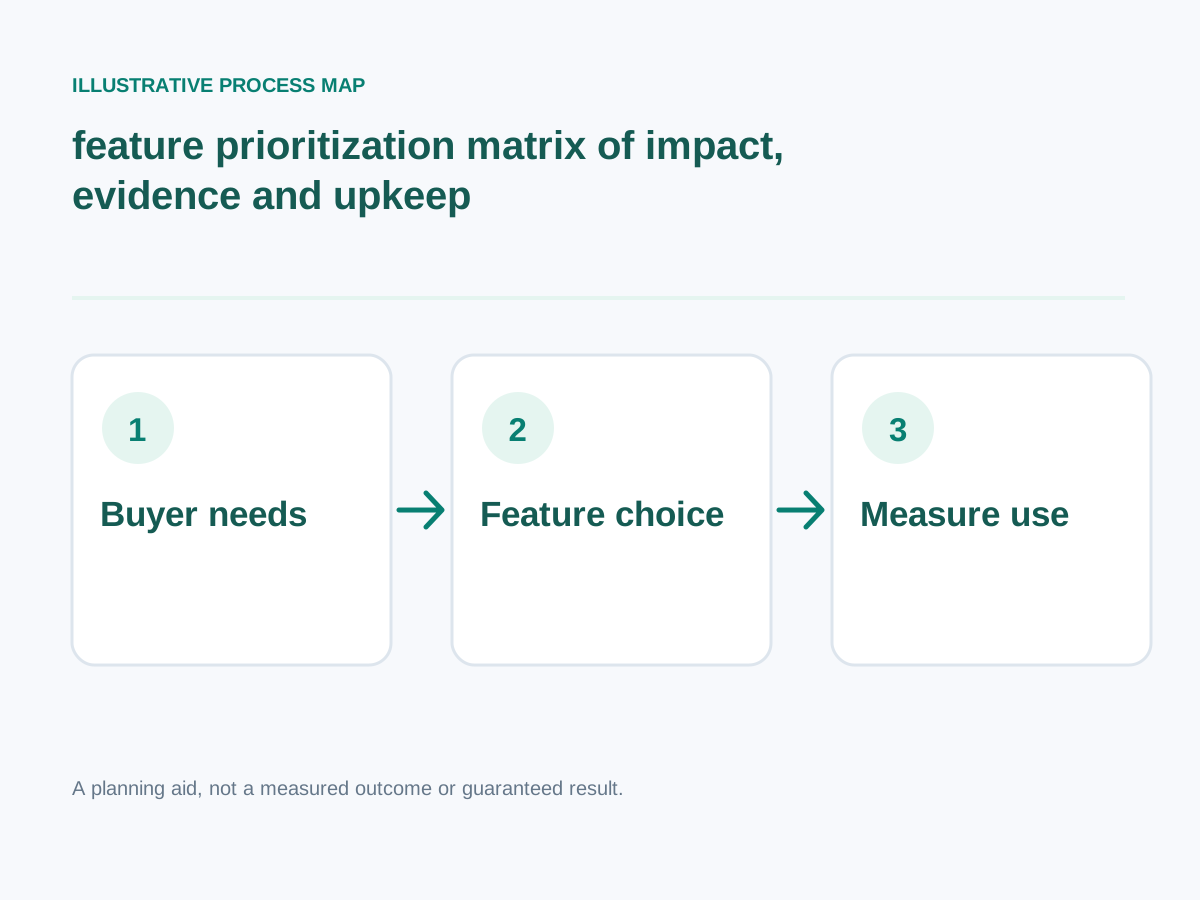
Conceptual workflow; adapt steps to your project.
Detailed step-by-step implementation plan
1. Core positioning features
Consider a clear offer, audience description, service pages, contact details and primary CTA before animations.
How to verify: Test first-screen comprehension.
2. Trust and evidence elements
Use genuine testimonials, team details, portfolio evidence, certifications with proof and straightforward policies.
How to verify: Verify permission and truthfulness of claims.
3. Navigation and findability
Offer consistent menus, search where useful, breadcrumbs, filtering and related links to reduce dead ends.
How to verify: Have users find answers without assistance.
4. Lead capture options
Choose simple forms, booking requests, click-to-call, chat or quote builders based on the sales workflow.
How to verify: Confirm actual submissions and routing.
5. Commerce functions
Select product variants, cart, checkout, payments, delivery estimates, order tracking and returns only for transactional sites.
How to verify: Run full test orders and refunds.
6. Content and education features
Add helpful FAQs, comparison guides, downloadable specifications and documentation where buyer questions warrant them.
How to verify: Match support questions to existing answers.
7. Accessibility fundamentals
Include meaningful labels, focus states, contrast, form errors, captions where needed and semantic structure.
How to verify: Test keyboard and assistive technology journeys.
8. Performance and security foundations
Implement reliable HTTPS, sensible caching, responsive media, updates and appropriate access permissions.
How to verify: Check Core Web Vitals and security responsibilities.
9. Analytics and feedback mechanisms
Track meaningful outcomes and feedback with privacy-respecting practices instead of invasive collection.
How to verify: Reconcile conversion events with real records.
10. Operational resilience
Plan backups, user permissions, error states, status communication and content ownership.
How to verify: Run restoration, account handover and support checks.
Additional focused checks
- Service-area and location context. How to verify: Test this specific scenario with a real user, capture the observed outcome, and record whether the issue is reproducible.
- Clear operating hours and availability. How to verify: Cross-check the displayed availability against the source inventory or booking system and fix stale entries.
- Readable pricing factors or estimates. How to verify: Test keyboard navigation, visible labels and contrast, then record any failed user task.
- Customer eligibility guidance. How to verify: Test this specific scenario with a real user, capture the observed outcome, and record whether the issue is reproducible.
- Case-study evidence with permission. How to verify: Test this specific scenario with a real user, capture the observed outcome, and record whether the issue is reproducible.
- Staff profiles with verified credentials. How to verify: Test this specific scenario with a real user, capture the observed outcome, and record whether the issue is reproducible.
- Downloadable technical specifications when needed. How to verify: Capture a dated mobile performance trace and isolate the specific resource or layout behavior responsible.
- Accessible map and directions. How to verify: Test keyboard navigation, visible labels and contrast, then record any failed user task.
- Working email and phone actions. How to verify: Test tap-to-call on a real phone and verify the dialer opens the intended number.
- Appointment calendar integration when operations support it. How to verify: Run a test booking, confirm it reaches the actual calendar, and test cancellation or rescheduling.
- Consent-aware newsletter signup. How to verify: Inspect consent language and storage with the responsible owner; do not expose identifiable customer information.
- Customer account access when essential. How to verify: Test this specific scenario with a real user, capture the observed outcome, and record whether the issue is reproducible.
- Helpful order or enquiry status messages. How to verify: Test this specific scenario with a real user, capture the observed outcome, and record whether the issue is reproducible.
- FAQ based on support tickets. How to verify: Review the written ownership and support agreement and confirm the responsible person can complete the workflow.
- Product search synonyms. How to verify: Search using three common customer phrases and confirm the results show the intended products.
- Transparent shipping and returns. How to verify: Compare the onscreen policy with the actual merchant process and test whether buyers can find it before committing.
- Feedback submission and error reporting. How to verify: Validate the displayed financial figures against current invoices, vendor pricing or a documented quotation.
- Multilingual content where genuinely maintained. How to verify: Test this specific scenario with a real user, capture the observed outcome, and record whether the issue is reproducible.
- Analytics reconciliation with business records. How to verify: Reconcile analytics events against real orders, consultations or completed enquiry records.
- Documented backup and restoration process. How to verify: Test this specific scenario with a real user, capture the observed outcome, and record whether the issue is reproducible.
Worked decision scenario
Illustrative business situation: A lawyer, florist and construction supplier should not share an identical conversion architecture. The lawyer may value qualification forms, the florist needs ordering and delivery rules, and the supplier may need specification downloads and quote requests.
For this situation, begin with lead capture options: Choose simple forms, booking requests, click-to-call, chat or quote builders based on the sales workflow. This clarifies an early implementation dependency before committing to a large rewrite.
The next decision concerns commerce functions: Select product variants, cart, checkout, payments, delivery estimates, order tracking and returns only for transactional sites. In a practical project, translate this requirement into a demonstration that the owner, staff and end user can understand. The suggested acceptance check is: Run full test orders and refunds.
Finally, review content and education features: Add helpful FAQs, comparison guides, downloadable specifications and documentation where buyer questions warrant them. This example is hypothetical, not a claimed client engagement. No before-and-after revenue or search result is implied. A real case study would require prior measurements, documented implementation, permission and an accurate description of what happened.
Measurement plan: what to track and what not to assume
Prioritize website features by the buyer decision they assist and their maintenance cost. Track completion of the specific task each selected feature supports instead of implementing a checklist wholesale.
Start with these practical evidence points: performance and security foundations — Check Core Web Vitals and security responsibilities. Next examine analytics and feedback mechanisms — Reconcile conversion events with real records. Then assess operational resilience — Run restoration, account handover and support checks.
Common mistakes and safer alternatives
- Skipping trust and evidence elements. Corrective approach: Use genuine testimonials, team details, portfolio evidence, certifications with proof and straightforward policies. To know whether the fix works, verify permission and truthfulness of claims.
- Skipping lead capture options. Corrective approach: Choose simple forms, booking requests, click-to-call, chat or quote builders based on the sales workflow. To know whether the fix works, confirm actual submissions and routing.
- Skipping content and education features. Corrective approach: Add helpful FAQs, comparison guides, downloadable specifications and documentation where buyer questions warrant them. To know whether the fix works, match support questions to existing answers.
- Skipping performance and security foundations. Corrective approach: Implement reliable HTTPS, sensible caching, responsive media, updates and appropriate access permissions. To know whether the fix works, check Core Web Vitals and security responsibilities.
- Skipping operational resilience. Corrective approach: Plan backups, user permissions, error states, status communication and content ownership. To know whether the fix works, run restoration, account handover and support checks.
A practical four-week execution roadmap
Week 1 — Diagnose and establish requirements: Focus on core positioning features, trust and evidence elements, navigation and findability. Test first-screen comprehension.; Verify permission and truthfulness of claims.
Week 2 — Prototype the highest-impact change: Focus on lead capture options, commerce functions. Confirm actual submissions and routing.; Run full test orders and refunds.
Week 3 — Implement and validate: Focus on content and education features, accessibility fundamentals, performance and security foundations. Match support questions to existing answers.; Test keyboard and assistive technology journeys.
Week 4 — Verify decisions: Revisit these priorities: analytics and feedback mechanisms, operational resilience. Reconcile conversion events with real records. Run restoration, account handover and support checks. Document the date, measurement method and any unresolved risks.
Final checklist before hiring or implementing
- Test first-screen comprehension.
- Verify permission and truthfulness of claims.
- Have users find answers without assistance.
- Confirm actual submissions and routing.
- Run full test orders and refunds.
- Match support questions to existing answers.
- Test keyboard and assistive technology journeys.
- Check Core Web Vitals and security responsibilities.
- Reconcile conversion events with real records.
- Run restoration, account handover and support checks.
Want help implementing this?
Need implementation support? If you want to prioritize features customers truly need, review my primary development service and related specialist service. You can also try the free website-planning tools before discussing scope. Book a free consultation to discuss your specific requirements; results depend on traffic, implementation and the business context.
Reference material and transparency
Documentation reviewed: 30 October 2026.
-
Verified technical fact: W3C's accessible-forms guidance calls for clear labels, instructions and input validation. Client-side validation alone is not a security control. W3C WAI
-
Verified technical fact: Google uses mobile page content for mobile-first indexing and recommends responsive design because it is generally easiest to implement and maintain. Google Search Central
-
Verified technical fact: Google states that applying SEO guidance does not guarantee that a page is indexed or ranks first. Google Search Central
Additional checked source (30 October 2026): W3C guidance on forms supports clear labels and feedback; adding a feature alone is not proof of higher conversions. Official primary source
Scope / limits: Evaluate actual customer tasks before claiming a feature increases sales or retention.
Evidence boundary: The official links below substantiate these specific platform/technical facts, not the article's illustrative scenarios, a guaranteed traffic/sales outcome, or any claim about an actual client.