
The "Restaurant Digital Ecosystem" Framework
To build a platform that genuinely drives revenue and reduces administrative friction, you must view the website not as a digital brochure, but as an operational hub. Successful restaurant web architecture relies on three interdependent pillars:
- The Conversion Funnel: Moving a hungry visitor from initial menu discovery to table booking or order placement in the absolute minimum number of taps.
- Operational Integration: Ensuring customer submissions flow directly into your existing kitchen operations and point-of-sale workflows without manual re-keying or lost tickets.
- Performance & Trust: Delivering lightning-fast load times for mobile users who expect instant access to menus, dietary labels, pricing, and operating hours.
When these three pillars function harmoniously, the website acts as a reliable digital counterpart to your front-of-house staff. It welcomes guests, captures orders accurately, and operates efficiently without requiring constant manual oversight from busy managers.
Phase 1: The Tech Stack Decision and Architectural Trade-Offs
Choosing the underlying technology determines how smoothly your site handles peak traffic hours, menu item updates, and third-party integrations. You generally evaluate between two primary development paths depending on your business model:
- Shopify: Excellent for restaurants focusing heavily on delivery, takeout, and merchandise sales. It provides robust, out-of-the-box inventory tracking, secure payment gateways, and access to numerous logistics extensions via the Shopify Developer Documentation.
- Next.js: Ideal for bespoke, high-performance web experiences that demand lightning-fast server-side rendering, custom animations, and unique reservation logic. When configured correctly, it offers exceptional flexibility for custom API integrations and is often deployed on platforms like Vercel for scalable edge performance.
For a deeper look into selecting frameworks, review how Next.js vs Shopify for Ecommerce compares in real-world business applications. Making the right architectural choice early prevents expensive rewrites down the line. Furthermore, when selecting your underlying framework, you must consider the maintenance overhead. While an off-the-shelf system reduces initial setup friction, it can introduce plugin bloat that slows down page delivery during critical evening hours.
Phase 2: Planning the User Flow and Conversion Pathways
Restaurant website visitors generally arrive with one of two distinct intentions: diners looking to book a physical table for an upcoming evening, or customers ordering food for immediate delivery or pickup. Your user journey must accommodate both without creating cognitive overload.
Reservations: Embedded Widgets vs. Custom Systems
For table bookings, embedding a trusted platform like OpenTable or Resy is often the most operationally stable path. Front-of-house staff are already trained on those tablets, reducing training friction. However, if your venue requires complex seating allocation, custom VIP loyalty tiers, or ticketed events, a custom booking database can be engineered.
Ordering: Designing a Frictionless Menu UI
Your online menu should mimic the clarity of a physical menu while optimizing for digital conversion. High-resolution photography, clear dietary tag filters (gluten-free, vegan, nut-free), and effortless modifier selections (e.g., choice of dressing or spice level) prevent cart abandonment. Removing unnecessary form fields during checkout is equally critical for speed. To explore deeper structural layout patterns, you can examine insights on How I Plan Ecommerce Product Pages.

Phase 3: Mobile-First Performance and Speed Optimization
Over 80% of restaurant website traffic originates from mobile phones. Users are frequently searching while commuting, walking down the street, or sitting in a car, meaning patience is practically non-existent.
If your site features unoptimized high-resolution images of signature dishes or heavy tracking scripts, bounce rates spike immediately. According to guidance from Google Search Central on Understanding Page Experience, delivering a seamless, responsive user experience is essential for both user satisfaction and local search visibility. You can test your live deployment benchmarks using Google PageSpeed Insights to catch sluggish scripts before they cost you orders.
When auditing mobile performance, pay close attention to layout shift. If a user is trying to tap a "Book Table" button and an unoptimized promotional banner loads above it, shifting the interactive target, frustration spikes, leading to immediate abandonment. Optimizing CSS delivery and lazy-loading gallery assets ensures that the primary interaction pathways remain stable from the millisecond the viewport renders.

Phase 4: The Pre-Launch Operational Reality Check
Before launching a restaurant website to the public, you must test the entire order lifecycle under simulated stress conditions. A gorgeous website is worthless if an online order fails to trigger a receipt printer in the kitchen during a Friday rush.
Run end-to-end test transactions covering:
- Mobile checkout flows with various payment gateways and digital wallets.
- Automated customer confirmation SMS and email receipts.
- POS synchronization, inventory decrementing, and kitchen ticket printing.
Ensuring stability during high-volume periods protects your brand reputation and operational flow. Every button, webhook, API response, and payment confirmation must be dry-run multiple times with kitchen staff to ensure zero friction on opening day.
Direct-order improvements to test before launch
These checks add practical verification steps to the framework above. Test them against your actual business setup and measure outcomes rather than assuming any particular result.
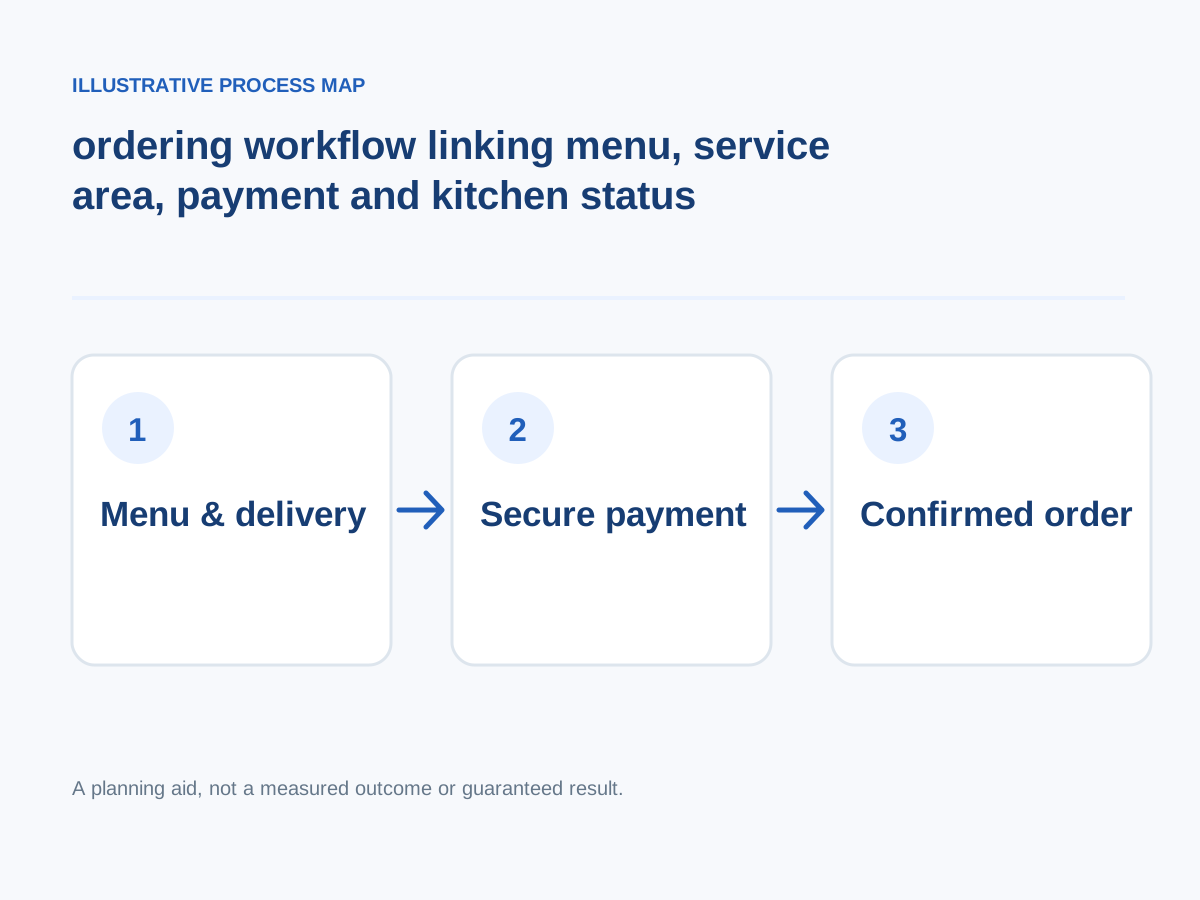
Conceptual illustration; not a client screenshot or measured result.
Encourage repeat orders fairly
Offer useful saved preferences or opt-in updates without fake urgency or unconsented marketing messages.
How to verify: Track genuine returning purchasers.
Use secure payment flows
Support suitable local options and handle failed transactions, cash-on-delivery where offered, refunds and duplicate payments.
How to verify: Test each payment state in a safe environment.
Explain support and refunds
Make cancellation windows, missing-item handling and contact paths clear before purchase.
How to verify: Rehearse a missing-item support scenario.
Define delivery and pickup areas
Show supported postcodes, minimum orders, hours, fees and realistic fulfillment estimates before checkout.
How to verify: Test addresses inside and outside service coverage.
Compare operational profitability
Analyze order value, fees, preparation time, delivery costs, complaints and repeat purchases by channel.
How to verify: Review contribution margin and fulfillment success, not just order volume.
Improve discoverability for real searches
Publish a crawlable menu, clear address, cuisine and location details, without creating spammy location pages.
How to verify: Test navigation and verify business facts.
Publish an accurate mobile menu
List dishes, prices, variants, dietary or allergen information as legally required, and clear photos when available.
How to verify: Reconcile the menu with the kitchen system daily.
Confirm kitchen capacity
Connect availability with opening times, busy periods, sold-out items and pickup slots.
How to verify: Simulate orders near closing time.
Next step: Prioritise the checks relevant to your project, record a baseline, test changes and consult the website development services or book a consultation for implementation support.
Summary Decision Guide
Before committing to a development path, weigh your primary operational constraints:
- Choose Shopify if your revenue relies primarily on delivery and pickup, and you need a reliable, maintenance-light inventory engine.
- Choose a Custom Stack (Next.js) if your restaurant requires unique branding, advanced loyalty integrations, and fully bespoke reservation logic.
- Prioritize Mobile Speed above all decorative design elements to capture on-the-go diners.