
The Real Estate Planning Challenge
Real estate is a high-ticket, highly visual, and deeply trust-based industry. When a developer or agency approaches website planning, the primary trap is treating the site as a digital brochure rather than a revenue-generating asset. Potential buyers arrive with high intent, looking for specific property details, clear pricing cues, floor plans, and neighborhood context. If they encounter slow loading times, confusing navigation, or hidden contact options, they bounce to a competitor.
As I outline in my broader methodology for My Website Development Process: From Brief to Launch, careful upfront planning prevents costly redesigns down the road. For real estate specifically, planning must bridge the gap between stunning visual aesthetics and rigorous conversion science. When I sit down to plan a real estate web project, my goal is to create an environment where the property takes center stage while guiding the user effortlessly toward a meaningful action.
Furthermore, website planners must account for multiple stakeholder groups. Investors care about financial yield, structural credentials, and market reports. Homebuyers focus on layout, neighborhood schools, commute times, and lifestyle amenities. A generic website structure fails to serve these distinct intent vectors, resulting in high bounce rates and low conversion efficiency.

The 3-Pillar Real Estate Conversion Model
To evaluate any real estate website plan, I use a straightforward three-pillar framework. This helps stakeholders understand where visitors drop off and how to optimize each stage of the buyer journey:
- Discovery (Search/SEO): Can potential buyers find your developments through organic search? This relies on clean technical foundations, descriptive meta-tags, and structured data for individual properties, aligned with guidelines from Google Search Central and best practices found in the SEO Starter Guide.
- Engagement (UI/UX): Can users quickly visualize the property? This involves immersive photo galleries, interactive floor plans, virtual tour integrations, and uncluttered layouts designed for effortless browsing.
- Conversion (Action): Is it effortless to take the next step? Instead of a generic 'Contact Us' form, conversion points must match buyer intent—such as 'Book a Site Visit', 'Download Brochure', or 'Check Unit Availability'.
The Property-First Architecture
Traditional business websites often bury their core offering behind corporate history and generic about pages. In real estate, the property inventory is the hero. The architecture must direct visitors straight to listings with minimal friction.
An effective property-first structure includes:
- Advanced Filtering Systems: Allowing users to sort properties by location, price range, property type, configuration (e.g., 2 BHK, 3 BHK), and construction status.
- Dedicated Project Pages: Individual landing pages for each development featuring hero galleries, highlight bullets, specification sheets, and localized maps.
- Contextual Navigation: Ensuring that whether a user lands on the homepage or deep within a blog post about neighborhood growth, they can access active listings within a single click.
When organizing property hierarchies, avoid burying listings beneath three levels of submenus. Every click required to find a floor plan or price sheet increases friction and lowers the likelihood of a conversion event.
Lead Capture Mechanics Beyond Basic Forms
A standard contact form is no longer enough for competitive real estate markets. Property buyers have distinct preferences for how they want to initiate contact.
When planning lead capture mechanics, I integrate multiple touchpoints tailored to different stages of buyer readiness:
- Site Visit Scheduling: A calendar integration allowing users to pick a date and time for an on-site tour directly from the listing page.
- Instant Brochure Access: A gated download where users exchange their email and phone number for a comprehensive PDF project brochure.
- WhatsApp and Direct Messaging: A persistent chat widget for immediate inquiries, which is especially vital for mobile users who prefer quick messaging over phone calls or forms.
By matching the conversion element to the visitor's state of mind—such as offering a brochure download for early researchers versus a site visit booking for high-intent buyers—you capture leads that a standard contact form would otherwise miss.
Technical Foundation: Speed and Mobile Optimization
Property hunters frequently browse listings on smartphones while on the move, during commutes, or while visiting locations. If your site takes seconds to render heavy image galleries, you lose prospective leads instantly.
Evaluating performance requires looking closely at Google PageSpeed Insights to diagnose how high-resolution renderings impact load times. Furthermore, optimizing Core Web Vitals ensures a smooth user experience across all devices. As outlined in documentation on Understanding page experience in Google Search results, maintaining strong performance metrics supports user retention and overall search visibility, though it is one of many signals used by search engines.
If your current site suffers from slow load times or ranking drops after updates, you can refer to my diagnostic guide on How I Audit a Website That Is Not Generating Leads to identify technical and structural bottlenecks.
The Integration Layer: Connecting Listings and CRMs
A beautiful website is worthless if lead data gets trapped in an inbox or lost in spreadsheet chaos. During the planning phase, establishing the integration layer with your CRM or lead management software is non-negotiable.
Key integration considerations include:
- Instant Lead Routing: Ensuring form submissions and chat inquiries sync instantly to your CRM so sales teams can follow up within minutes.
- UTM and Source Tracking: Passing marketing campaign data alongside lead submissions to accurately measure which advertising channels drive the highest-value property inquiries.
- Inventory Synchronization: Keeping available units updated in real-time, preventing frustration when users inquire about sold-out properties.
The Real Estate Website Scorecard
To ensure your project plan covers all essential conversion requirements before development begins, use this practical 5-point evaluation checklist:
- 1. Property-First Navigation: Can users reach individual listings in two clicks or fewer from the homepage?
- 2. High-Intent CTAs: Are action buttons tailored to specific intents (e.g., 'Book Site Visit', 'Download Floor Plan') rather than generic contact forms?
- 3. Mobile Performance: Are high-resolution images compressed, lazy-loaded, and formatted using modern containers like WebP or AVIF?
- 4. CRM Connectivity: Do all inbound lead capture forms route directly to an active sales CRM with automated source tagging?
- 5. Localized SEO Structure: Do individual property landing pages feature unique meta tags, descriptive headers, and structured data?
Diagnosing weak property enquiries and lead routing
These checks add practical verification steps to the framework above. Test them against your actual business setup and measure outcomes rather than assuming any particular result.
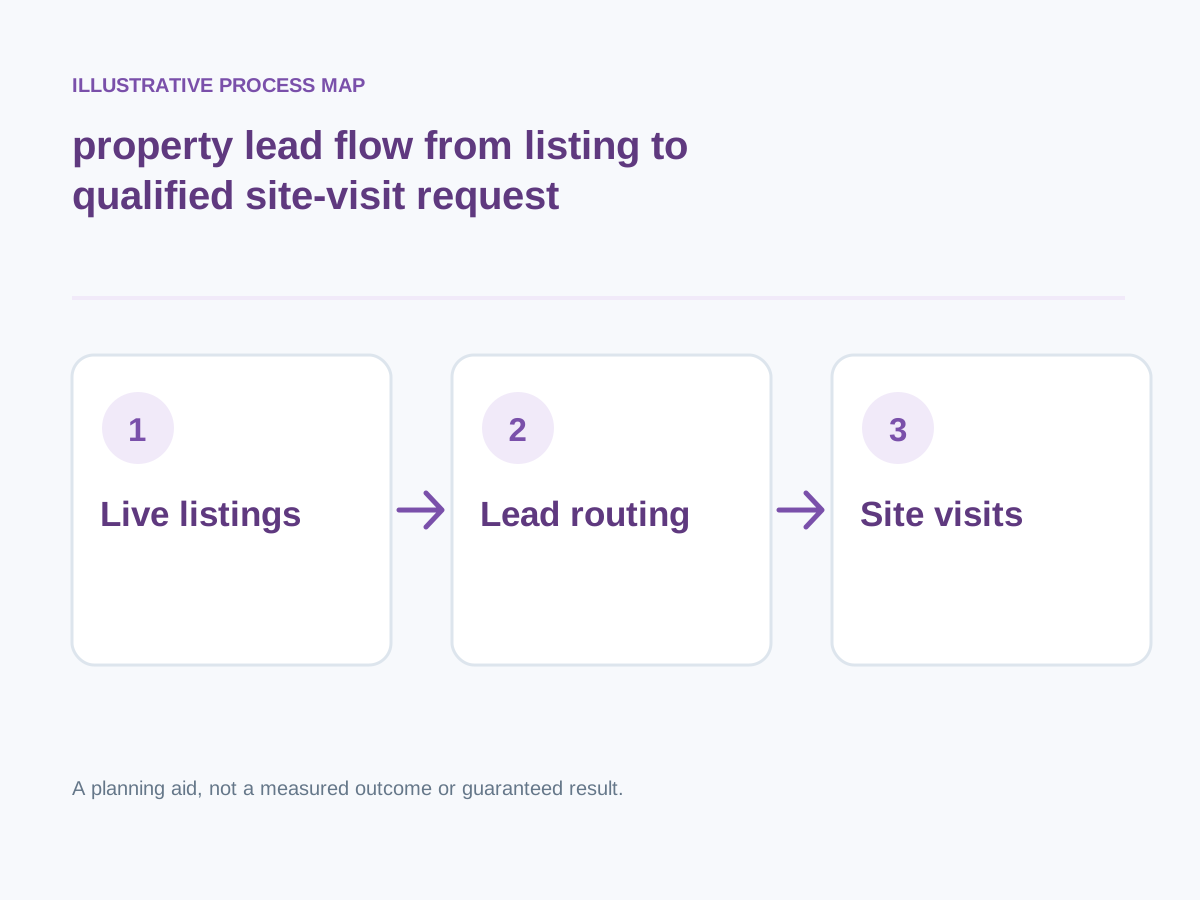
Conceptual illustration; not a client screenshot or measured result.
Protect trust and privacy
Display real credentials, clear brokerage relationships and responsible personal-data handling.
How to verify: Review legal disclosures and consent practices.
Build area expertise content
Answer neighborhood infrastructure, commuting, buying process and document-check questions without inventing market returns.
How to verify: Verify locally specific facts against reliable current sources.
Make property media informative
Include current photos, genuine floor plans, verified map context and appropriate captions; distinguish renders from completed properties.
How to verify: Audit listing assets for correct labels and permissions.
Use useful search and filters
Organize inventory by location, budget, property type, size and readiness; avoid empty indexable combinations.
How to verify: Test buyer searches with realistic constraints.
Keep listing information accurate
Show location, area, configuration, status, price context, amenities and limitations, avoiding unverified scarcity claims.
How to verify: Assign a person to check availability and dated updates.
Separate property intent
Create distinct journeys for buyers, tenants, investors and sellers instead of one catch-all enquiry page.
How to verify: Track qualified questions by audience and page.
Optimize mobile buyer journeys
Check maps, gallery controls, sticky call buttons, forms and messaging links on phones.
How to verify: Complete a site-visit request while using one hand.
Measure qualified property conversations
Report actual inquiries meeting budget/location criteria, site visits and follow-ups rather than raw WhatsApp clicks.
How to verify: Compare lead source, qualification and booked visits.
Next step: Prioritise the checks relevant to your project, record a baseline, test changes and consult the website development services or book a consultation for implementation support.
Decision Summary: Planning Your Next Steps
Building a real estate lead generation website requires balancing visual storytelling with robust technical planning. By prioritizing a property-first architecture, multi-channel lead capture, and seamless CRM integrations, you create an online presence that actively supports your sales pipeline rather than acting as a passive billboard.
If you are evaluating your upcoming project scope, technical stack, or conversion pathways, having a clear roadmap before writing a single line of code is essential for long-term success.