
The Immediate Audit Checklist
When troubleshooting post-launch ranking volatility, you should avoid guessing at algorithms and instead follow a structured verification process. According to the Google Search Central SEO Starter Guide, structural changes require careful management of links, tags, and indexing signals.
Here are the first three checks every business owner or technical stakeholder should execute:
- Crawling & Indexing: Open Google Search Console and inspect whether your new pages are actually indexed. If the site changed content management systems, or if search engine directive rules were accidentally left in test mode (such as
noindexheaders or blocked robots.txt files), crawlers will be locked out of your content entirely. - URL Structure & Redirects: Did your URL paths change during the redesign? If an old high-value URL like
/services/web-developmentwas moved to/developmentwithout a proper 301 redirect, users and search bots will hit a 404 error, instantly breaking your historical link equity. - Metadata & Content Parity: Review your core landing pages to ensure that H1 tags, title tags, and meta descriptions were not stripped out or replaced with generic placeholder copy during the platform transition.
The Performance Gap and User Experience
A common culprit in modern web design is an over-emphasis on visual aesthetics at the expense of lean code, efficient asset delivery, and responsive interaction design. When evaluating your site's speed, tools like Google PageSpeed Insights provide granular data on loading bottlenecks.
As explained in Google's guidelines on understanding page experience in Google Search results, performance metrics and Core Web Vitals are among the many signals used by ranking systems. However, a high performance score is not a magic switch that guarantees top rankings; rather, it removes friction for real human users. If your new design introduced bloated JavaScript libraries, unoptimized media files, or sudden layout shifts, users will bounce quickly, sending negative engagement signals back to search engines. If you are experiencing mobile-specific slowdowns after a platform shift, reviewing a structured diagnosis framework like Why Is My Shopify Store Slow on Mobile? A Developer’s Guide to Diagnosis can help isolate front-end rendering bottlenecks.
The Content-First Reality
Sometimes, a website redesign focuses so heavily on minimalist design and white space that valuable text content is removed or hidden behind accordions and interactive tabs. According to Google's documentation on creating helpful, reliable, people-first content, search systems prioritize depth, clarity, and original expertise.
If your redesign gutted the educational blog posts, detailed case studies, or thorough service descriptions that previously established your topical authority, technical fixes alone will not restore your rankings. Content relevance remains the primary foundation of search visibility. If your business depends on driving inquiries through specific landing pages, you must verify that the underlying messaging answers user intent just as thoroughly as the legacy site did.
Diagnostic Framework: The Redesign Recovery Scorecard
To help you categorize your post-launch issues and prioritize corrective actions, use this diagnostic scorecard:
| Category | Potential Symptom | Diagnostic Tool / Action | Priority Level |
|---|---|---|---|
| Technical / Indexing | Pages showing as 'Discovered - currently not indexed' | Google Search Console URL Inspection | High |
| Redirects | Internal links or external backlinks returning 404 errors | Screaming Frog or Redirect Path Checker | Critical |
| On-Page SEO | Missing H1 tags, altered title tags, or empty meta descriptions | Page source inspection / SEO crawler | High |
| User Experience | High bounce rates and slow mobile interaction | PageSpeed Insights / Real User Monitoring | Medium |

Platform-Specific Pitfalls to Investigate
Different content management systems and frameworks introduce unique technical risks during a redesign. Understanding these platform quirks can drastically shorten your troubleshooting timeline.
WordPress Migration Risks
If your redesign moved your WordPress instance or restructured its database, permalink settings are a frequent point of failure. If the permalink structure changes from /%category%/%postname%/% to /%postname%/ without bulk 301 redirects, every single blog post URL changes overnight. Furthermore, database bloat, poorly configured caching plugins, or conflicting theme builders can severely impact server response times.
Headless and Modern JavaScript Frameworks (Next.js, React)
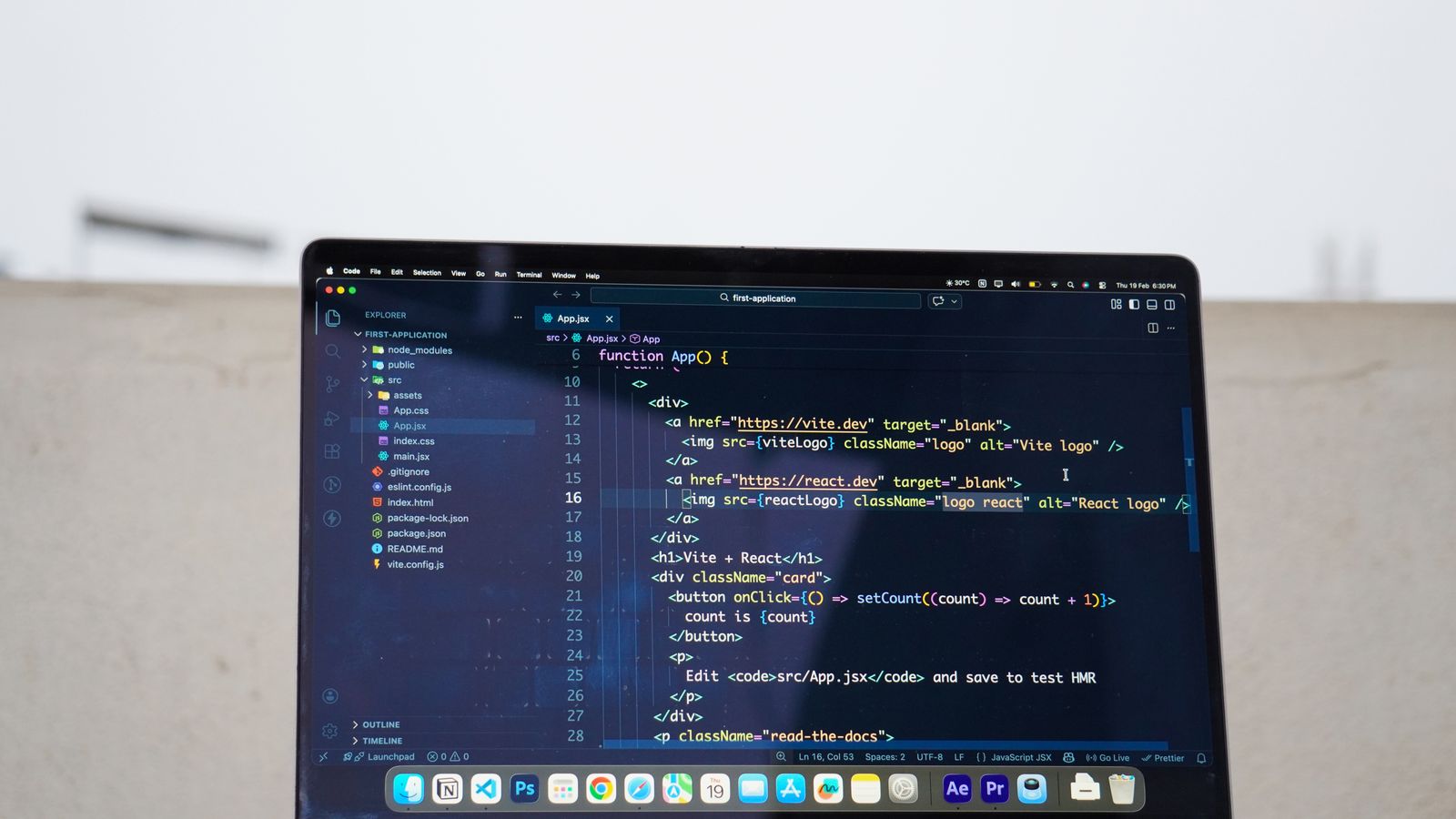
Migrating to modern JavaScript frameworks offers incredible performance potential, but it introduces distinct SEO challenges if implemented incorrectly. Server-side rendering (SSR) or static site generation (SSG) must be configured correctly so that search bots receive fully rendered HTML on the initial request rather than blank client-side shells. Additionally, dynamic metadata generation must match or exceed what your previous CMS handled automatically.
E-Commerce Platform Transitions (Shopify, WooCommerce, Custom)
When redesigning an e-commerce store, product and collection URLs change with alarming frequency if category hierarchies are modified. If an e-commerce product URL loses its historical indexation and ranking, direct sales drop immediately. Ensuring that inventory pages, filter parameters, and pagination tags are properly canonized prevents duplicate content penalties and preserves search visibility.
Step-by-Step Remediation Plan
If you have identified that your site is suffering from a post-redesign drop, follow this sequence to restore your performance:
- Run a Full Site Crawl: Use an enterprise-grade crawler to scan the new live URL structure. Compare the crawl output against your pre-launch sitemap to find missing pages, broken internal links, and accidental 404 errors.
- Audit Your 301 Redirect Map: Verify that every high-traffic legacy URL points directly to its logical equivalent on the new site. Avoid redirect chains (where URL A points to URL B, which points to URL C), as these dilute link equity and slow down crawler parsing.
- Restore Missing Metadata: Check your page titles and meta descriptions against your backup records. If important keywords were removed in the name of design minimalism, reintroduce them naturally into the heading tags and introductory copy.
- Request Re-indexing: Once critical technical fixes are deployed, use Google Search Console to submit updated sitemaps and request manual indexing for your primary revenue-generating pages.
Recovering from a post-redesign traffic drop requires calm, methodical troubleshooting rather than panicked edits. Whether your site runs on WordPress, Shopify, or a custom stack, preserving URL integrity, metadata parity, and content depth is the fastest path back to stable search visibility.