The practical answer
WordPress, Wix and Shopify are not interchangeable: their editorial, commerce and customization models differ. An informed choice begins with the business use case and who will manage the website, not with an abstract ranking list.
For businesses selecting website platform, the first decisions are define the website primary job, evaluate editor learning curve, and compare commerce functionality. These are linked: solving the later step before checking the earlier one may waste time or create additional operating costs. A useful plan therefore defines how the customer journey should work and tests its critical assumptions before investing in more features.
Illustrative situation (not a client case study): A consultancy wanting ten service pages may prioritize design and editorial control; a small product brand needs stock, checkout and returns; a community publication needs author workflows and content discoverability.
Important limitation: Features and plan restrictions change. Confirm payment support, subscriptions, export capabilities and availability in your region using current official documentation.
Original illustration—not a customer screenshot or measured result.
Before you change anything: a short diagnostic
A good investigation starts with define the website primary job. Choose between enquiries, ecommerce orders, publishing, appointments, membership or complex workflows. Its first proof point should be: Prioritize capabilities required at launch.
Next review evaluate editor learning curve. Test a nontechnical staff member changing a hero image, adding a page and updating navigation. An observable check is: Record task time and mistakes on each platform.
Third, examine compare commerce functionality. Check variants, discount rules, shipping, payment methods, tax and order management. Evidence for this check is: Run a real-like purchase and refund workflow.
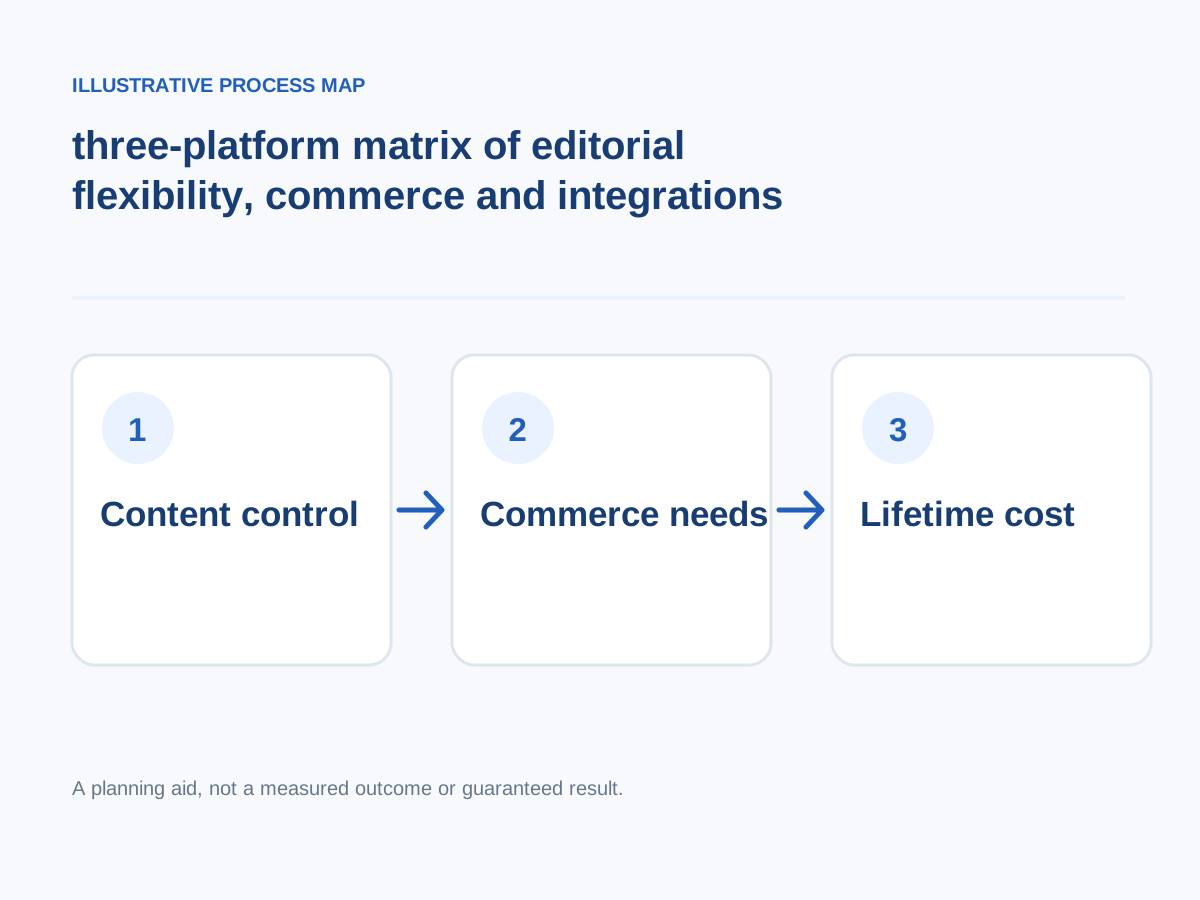
Conceptual workflow; adapt steps to your project.
Detailed step-by-step implementation plan
1. Define the website primary job
Choose between enquiries, ecommerce orders, publishing, appointments, membership or complex workflows.
How to verify: Prioritize capabilities required at launch.
2. Evaluate editor learning curve
Test a nontechnical staff member changing a hero image, adding a page and updating navigation.
How to verify: Record task time and mistakes on each platform.
3. Compare commerce functionality
Check variants, discount rules, shipping, payment methods, tax and order management.
How to verify: Run a real-like purchase and refund workflow.
4. Assess design flexibility
Review theme constraints, custom templates, CSS, component changes and supported integrations.
How to verify: Prototype the hardest visual requirement.
5. Analyze SEO controls
Check indexability, titles, descriptions, canonicals, redirect management, sitemaps and structured content.
How to verify: Inspect rendered pages and test redirects.
6. Understand portability and lock-in
Ask what content, design, domain, product and customer data can be exported.
How to verify: Export a sample and document replatforming effort.
7. Include hosting and security burden
Managed platforms simplify certain tasks; self-managed sites need explicit update, backup and access responsibilities.
How to verify: Identify the operator responsible for each layer.
8. Compare realistic ongoing budgets
Account for subscriptions, premium themes, apps, hosting, development and staff training.
How to verify: Compare a two-year total under consistent assumptions.
9. Test mobile quality
Check touch interaction, form behavior, image scaling and speed on a realistic sample page.
How to verify: Complete the primary buyer action on a phone.
10. Select for the next two years
Choose the simplest maintainable system meeting known requirements and document potential future migration triggers.
How to verify: Revisit the decision against business goals after a pilot.
Worked decision scenario
Illustrative business situation: A consultancy wanting ten service pages may prioritize design and editorial control; a small product brand needs stock, checkout and returns; a community publication needs author workflows and content discoverability.
For this situation, begin with assess design flexibility: Review theme constraints, custom templates, CSS, component changes and supported integrations. This clarifies an early implementation dependency before committing to a large rewrite.
The next decision concerns analyze seo controls: Check indexability, titles, descriptions, canonicals, redirect management, sitemaps and structured content. In a practical project, translate this requirement into a demonstration that the owner, staff and end user can understand. The suggested acceptance check is: Inspect rendered pages and test redirects.
Finally, review understand portability and lock-in: Ask what content, design, domain, product and customer data can be exported. This example is hypothetical, not a claimed client engagement. No before-and-after revenue or search result is implied. A real case study would require prior measurements, documented implementation, permission and an accurate description of what happened.
Measurement plan: what to track and what not to assume
Compare creation, update and sale of the same test product or content page across platforms. Score editorial ease, checkout requirements, accessibility and monthly operating costs.
Start with these practical evidence points: compare realistic ongoing budgets — Compare a two-year total under consistent assumptions. Next examine test mobile quality — Complete the primary buyer action on a phone. Then assess select for the next two years — Revisit the decision against business goals after a pilot.
Common mistakes and safer alternatives
- Skipping evaluate editor learning curve. Corrective approach: Test a nontechnical staff member changing a hero image, adding a page and updating navigation. To know whether the fix works, record task time and mistakes on each platform.
- Skipping assess design flexibility. Corrective approach: Review theme constraints, custom templates, CSS, component changes and supported integrations. To know whether the fix works, prototype the hardest visual requirement.
- Skipping understand portability and lock-in. Corrective approach: Ask what content, design, domain, product and customer data can be exported. To know whether the fix works, export a sample and document replatforming effort.
- Skipping compare realistic ongoing budgets. Corrective approach: Account for subscriptions, premium themes, apps, hosting, development and staff training. To know whether the fix works, compare a two-year total under consistent assumptions.
- Skipping select for the next two years. Corrective approach: Choose the simplest maintainable system meeting known requirements and document potential future migration triggers. To know whether the fix works, revisit the decision against business goals after a pilot.
A practical four-week execution roadmap
Week 1 — Diagnose and establish requirements: Focus on define the website primary job, evaluate editor learning curve, compare commerce functionality. Prioritize capabilities required at launch.; Record task time and mistakes on each platform.
Week 2 — Prototype the highest-impact change: Focus on assess design flexibility, analyze seo controls. Prototype the hardest visual requirement.; Inspect rendered pages and test redirects.
Week 3 — Implement and validate: Focus on understand portability and lock-in, include hosting and security burden, compare realistic ongoing budgets. Export a sample and document replatforming effort.; Identify the operator responsible for each layer.
Week 4 — Verify decisions: Revisit these priorities: test mobile quality, select for the next two years. Complete the primary buyer action on a phone. Revisit the decision against business goals after a pilot. Document the date, measurement method and any unresolved risks.
Final checklist before hiring or implementing
- Prioritize capabilities required at launch.
- Record task time and mistakes on each platform.
- Run a real-like purchase and refund workflow.
- Prototype the hardest visual requirement.
- Inspect rendered pages and test redirects.
- Export a sample and document replatforming effort.
- Identify the operator responsible for each layer.
- Compare a two-year total under consistent assumptions.
- Complete the primary buyer action on a phone.
- Revisit the decision against business goals after a pilot.
Want help implementing this?
Need implementation support? If you want to choose between WordPress, Wix and Shopify, review my primary development service and related specialist service. You can also try the free website-planning tools before discussing scope. Book a free consultation to discuss your specific requirements; results depend on traffic, implementation and the business context.
Reference material and transparency
Documentation reviewed: 30 October 2026.
-
Verified technical fact: WordPress assigns capabilities via roles such as Administrator, Editor and Author; permissions depend on role and site configuration. WordPress.org
-
Verified technical fact: Shopify store themes use templates, sections and blocks. Available customization controls depend on the theme and its version. Shopify Help Center
-
Verified technical fact: Google uses mobile page content for mobile-first indexing and recommends responsive design because it is generally easiest to implement and maintain. Google Search Central
Additional checked source (30 October 2026): WordPress user roles and permissions are documented, but effective capabilities vary by installed extensions and configuration. Official primary source
Scope / limits: Wix/Shopify subscription or plan-specific functionality must be checked on the vendor's current website before final selection.
Evidence boundary: The official links below substantiate these specific platform/technical facts, not the article's illustrative scenarios, a guaranteed traffic/sales outcome, or any claim about an actual client.