
The Performance-First Lifecycle
Rather than treating speed enhancement as a random checklist of tweaks, I guide every project through a structured, repeatable framework. This prevents the common pitfall of breaking site features while trying to shave off milliseconds.
- Audit: Establishing an objective baseline using telemetry tools and network inspection.
- Prune: Removing dead weight, redundant plugins, and unoptimized queries.
- Optimize: Refining asset delivery, compressing media, and streamlining execution order.
- Monitor: Establishing routine hygiene to ensure speed doesn't degrade over time.
This framework ensures that every technical adjustment serves a clear purpose, supporting both technical SEO standards and user satisfaction.
Phase 1: Measurement First and Baseline Establishment
You cannot improve what you do not accurately measure. Before touching a single line of code or adjusting server settings, I capture a comprehensive baseline of the live environment.
I rely on objective telemetry tools like PageSpeed Insights to inspect both lab data and real-world field data where available. It is vital to look beyond a single headline score and examine the underlying metrics:
- Largest Contentful Paint (LCP): Measures perceived loading speed and hero element rendering.
- Interaction to Next Paint (INP): Measures page responsiveness to user interactions.
- Cumulative Layout Shift (CLS): Measures visual stability during loading.
As noted by Google Search Central, page experience components like Core Web Vitals are key signals used by Google's ranking systems, though achieving high scores is never a standalone guarantee of top rankings. The primary goal is always creating a seamless experience for real human visitors. When performance issues persist despite initial efforts, it often pays to evaluate the broader technical context; you can explore my perspective on how I audit a website that is not generating leads to see how technical speed intertwines with overall conversion pathways.

Phase 2: The Bloat Audit and Architectural Cleanup
Once the baseline is established, the next step is uncovering where resources are being wasted. WordPress is famously flexible, but that flexibility often introduces severe overhead when sites accumulate abandoned plugins, bloated page builders, and unoptimized themes.
When evaluating a site, I examine the code structure and plugin stack against official WordPress Developer Resources standards. Common issues include:
- Plugins loading global scripts and stylesheets on pages where they are never used.
- Redundant tracking tools that duplicate tracking logic.
- Inefficient custom code loops that query the database excessively on every page load.
Pruning this dead weight often yields immediate performance gains without requiring complex caching layers. If your site frequently suffers from instability after routine plugin updates, it is often a symptom of architectural bloat; you can read my analysis on why your WordPress website keeps breaking after updates for further context on maintaining stable codebases.

Phase 3: Asset Optimisation for Images and Fonts
Media assets are typically the heaviest payload on any standard web page. Optimising them requires deliberate technical choices rather than simply dropping image dimensions down.
Image Handling
Instead of serving massive JPEGs or PNGs, I ensure images are converted to modern formats like WebP or AVIF, properly scaled to their display containers, and given explicit width and height attributes to prevent layout shifts.
Font Strategies
Web fonts can severely delay text rendering if not handled correctly. I apply strict subsetting to include only required characters, host critical fonts locally to eliminate external DNS lookups, and use proper font-display swapping parameters to ensure text remains visible during loading.
Phase 4: Infrastructure, Caching, and Database Hygiene
With the front-end assets streamlined, attention shifts to server-side delivery and database efficiency.
Server response time (Time to First Byte) sets the ceiling for overall performance. Implementing robust page and object caching ensures dynamic requests are minimized. Furthermore, the database itself requires regular housekeeping—clearing out post revisions, transient options bloat, and orphaned metadata that slows down query execution.
The Third-Party Script Trap
One of the most persistent performance killers is the unmanaged third-party script. Marketing pixels, live chat widgets, heatmap tools, and social embed scripts often load asynchronously with zero performance budgeting.
During an audit, I map every external request. If a third-party script is non-essential, it gets deferred, loaded conditionally only on relevant conversion pages, or replaced with a lighter native implementation.
Diagnosing Deep Architectural Bottlenecks
When standard optimization checklists fail to move the needle on speed metrics, the bottleneck is almost always structural rather than superficial. Many business owners spend weeks tweaking caching rules or adjusting plugin settings while ignoring how the underlying theme templates are constructed. A theme that loads multiple uncompressed frameworks or runs redundant database queries on every hook will continuously struggle under heavy traffic. My methodology involves tracing server calls through the PHP execution cycle to identify precisely which hooks, actions, or filters are adding latency to the response time.
Furthermore, hosting environment constraints play a critical role in how a site performs under load. Shared hosting plans often suffer from noisy neighbor effects, where CPU and memory throttling cause unpredictable spikes in Time to First Byte. Evaluating server resource allocation, PHP worker limits, and database indexing provides a clear picture of whether the hosting infrastructure matches the actual business demand of the website.
Performance Health Scorecard
Use this quick scorecard to evaluate your current setup against recommended technical standards:
| Evaluation Area | Recommended Standard | Common Pitfall | Actionable Fix |
|---|---|---|---|
| Measurement | Lab & field telemetry (PSI) | Relying on subjective perception | Establish a testing baseline |
| Plugins | Minimal, audited active set | Dozens of overlapping utility plugins | Remove unused plugins and clean code |
| Media | WebP/AVIF, explicit dimensions | Unscaled raw camera images | Implement automated compression & sizing |
| Database | Lean, indexed queries | Bloated transients & revisions | Run routine database cleanups |
| Third-Party | Deferred, budgeted scripts | Unmonitored chat and pixel bloat | Audit and restrict script execution |
Validation and Ongoing Maintenance
Optimisation is never a one-time event; it is a discipline. After implementing structural fixes, I re-run telemetry tests across different connection speeds and devices to validate improvements.
Performance is fundamentally about respect for the user's time. When your technical architecture is lean and properly configured, conversions naturally follow.
A repeatable WordPress performance troubleshooting checklist
These checks add practical verification steps to the framework above. Test them against your actual business setup and measure outcomes rather than assuming any particular result.
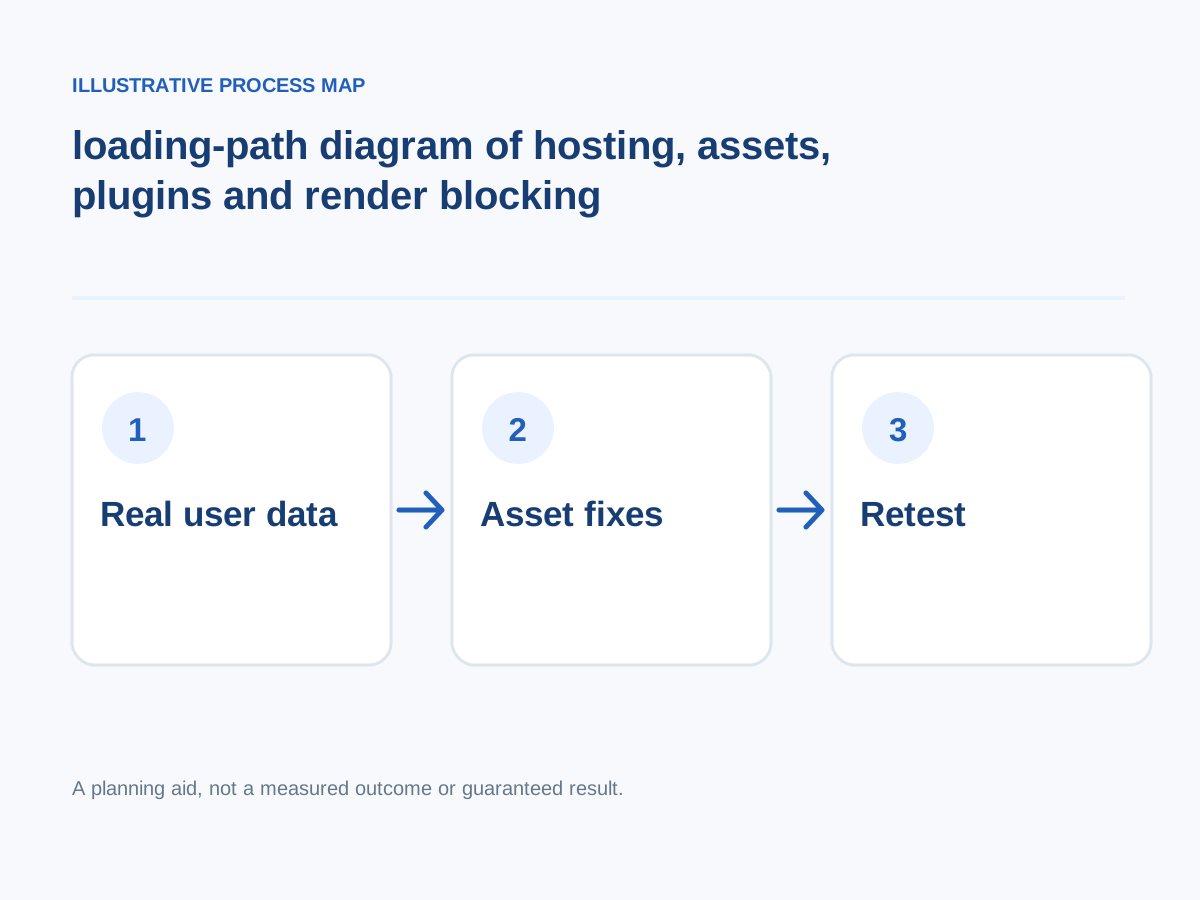
Conceptual illustration; not a client screenshot or measured result.
Improve fonts and critical CSS
Reduce unnecessary font weights, blocking styles and above-the-fold CSS complexity.
How to verify: Recheck render-blocking requests and layout shifts after deployment.
Monitor after every change
Cache changes, CDN invalidation and plugin updates can regress performance later.
How to verify: Schedule lightweight regression checks and record before/after evidence.
Compress and size images correctly
Use appropriate dimensions, modern formats and responsive srcset while preserving useful image quality.
How to verify: Check transfer bytes, aspect ratios and LCP element behavior on mobile.
Use caching deliberately
Combine page caching, object caching and a CDN only when the content type supports it; exclude sessions and personalized actions.
How to verify: Verify fresh content, forms, carts and login still function after cache changes.
Audit third-party plugins
Keep an inventory of plugins, update status, license ownership and actual business use; test removals in staging.
How to verify: Compare timings and functional tests before and after each change.
Check hosting response
Assess TTFB, resource limitations, PHP workers, database load, TLS and origin errors before optimizing the interface.
How to verify: Compare cached vs uncached server response over several runs.
Capture a clean baseline
Test representative templates separately: homepage, service page, blog post, search, product/cart where relevant. Collect lab diagnostics and real-user field data if available.
How to verify: Record device profile, location, page template, cache state and repeat run dates.
Reduce external scripts
Review marketing pixels, chat widgets, embedded videos and tag managers, balancing business value against performance impact.
How to verify: Measure interaction responsiveness with each major script enabled.
Next step: Prioritise the checks relevant to your project, record a baseline, test changes and consult the website development services or book a consultation for implementation support.