The Anatomy of an Update Failure: What Happens Behind the Scenes?
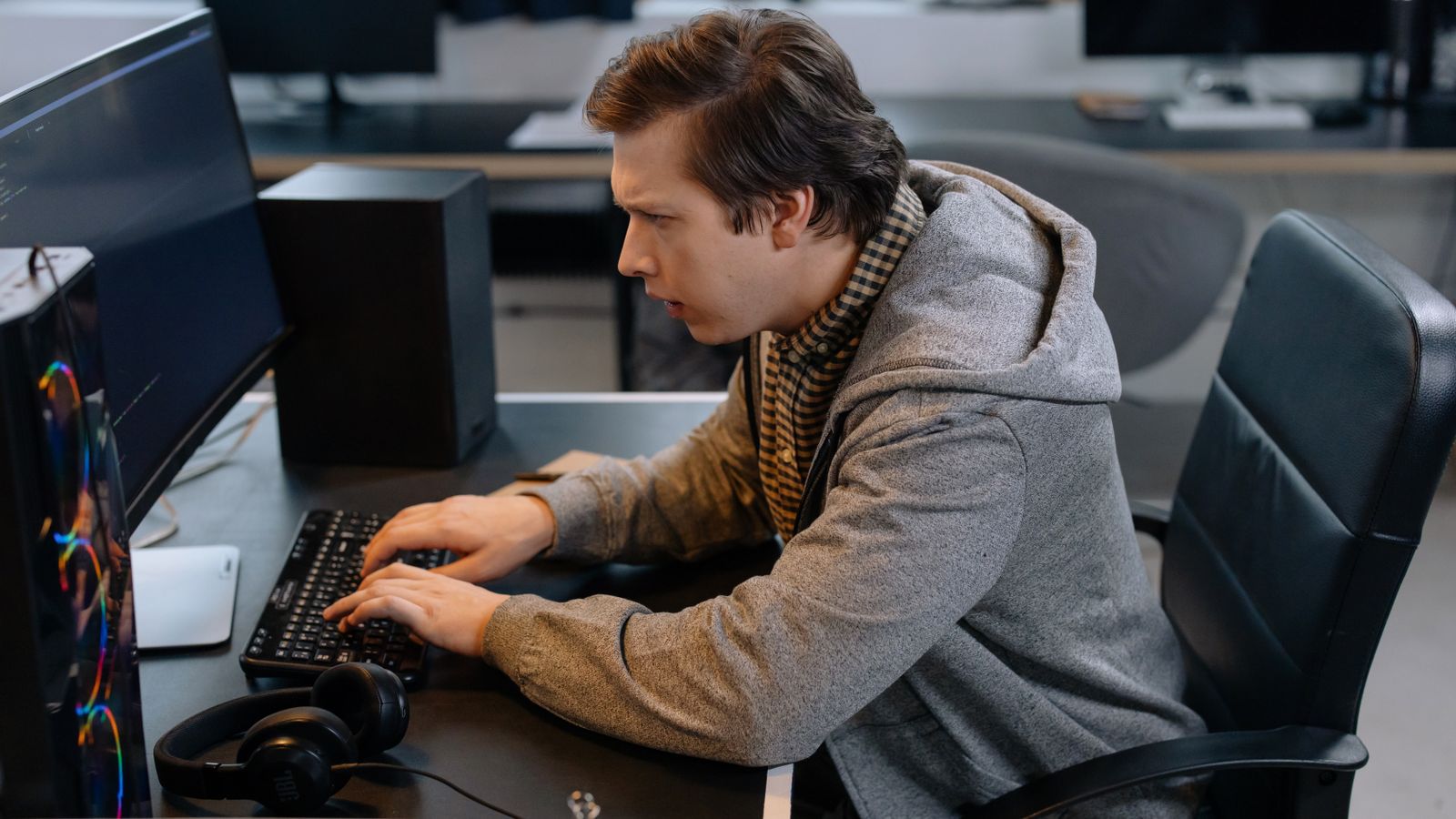
To understand why a WordPress site breaks, it helps to look at how the core software, themes, plugins, and server environment interact. WordPress is not a monolithic application; it is an ecosystem of thousands of independent components built by different developers. When you trigger an update, your server attempts to execute dozens of file replacements, database migrations, and script compilations simultaneously.
If a single line of code in an obsolete plugin conflicts with a new PHP function or core WordPress API method, the entire execution pipeline halts. This often manifests as the dreaded White Screen of Death (WSoD) or a fatal database error. According to guidelines on Creating helpful, reliable, people-first content, prioritizing long-term site stability over quick, risky fixes is essential for user trust and operational continuity.
The "Why": Common Culprits Behind Update Failures
When a WordPress site crashes after an update, it is rarely random. It almost always stems from specific technical friction points within your tech stack.
Plugin and Theme Conflicts
This is the single most frequent cause of update crashes. Your site relies on a collection of third-party plugins and themes built by different developers. If a major update alters core functions or hooks, an unoptimized or abandoned plugin will throw a fatal PHP error, halting site rendering completely.
PHP Version Mismatches
WordPress and its plugins depend heavily on the underlying server environment. If your hosting provider updates your server's PHP version automatically—or if you update a plugin requiring modern PHP while your server runs an outdated version—incompatibilities instantly break site execution.
Custom Code Overwrites
If previous developers made direct modifications to core theme files or core WordPress files instead of utilizing child themes or custom plugins, any update will wipe those modifications clean, breaking custom layouts or functionality instantly.
Hosting Limitations and Resource Exhaustion
Running updates requires server resources, specifically memory limits and execution time. Budget shared hosting environments often throttle these resources during batch updates, causing scripts to time out halfway through and corrupting the database or file structure.

The "Fix" vs. "Prevention" Framework
Fixing a broken site in panic mode is stressful. Transitioning to a professional workflow means separating emergency triage from long-term prevention.
Immediate Triage: Recovering Safely Without Panic
If your site is currently down, stop clicking randomly in the dashboard. Follow a calm recovery protocol:
- Access your hosting control panel or FTP.
- Locate the
wp-content/pluginsdirectory and rename thepluginsfolder temporarily to disable all plugins and regain admin access. - Restore your most recent verified backup if file corruption is extensive.
Long-Term Stability: The Staging Workflow
Professional developers never update a live production site blindly. Official documentation from WordPress Developer Resources emphasizes the importance of testing environments. You should always:
- Clone your live site to a staging subdomain.
- Run all core, theme, and plugin updates in staging first.
- Verify that forms, checkouts, and key layouts function correctly before deploying updates to production.

Evaluating Your Site Health: The Stability Scorecard
To determine whether your current setup is prone to recurring update failures, evaluate your infrastructure against this simple 3-point checklist:
- Environment: Do you maintain a functional staging site separate from your live production URL? (Yes/No)
- Code Integrity: Are all design and functional customizations neatly isolated inside a child theme or custom plugin? (Yes/No)
- Maintenance Protocol: Is there a documented, automated backup and rollback protocol in place? (Yes/No)
If you answered "No" to two or more of these questions, your website is operating in a reactive state where every future update poses a direct business risk.
Deep Dive: Managing Technical Debt and Infrastructure Risks
When sites break repeatedly, it highlights a deeper issue regarding how the website was initially constructed. Off-the-shelf themes packed with dozens of visual builders and unverified plugins create a fragile ecosystem. Every time a software vendor updates their library, your site acts as a house of cards. Transitioning to a clean, well-documented architecture eliminates these recurring points of failure.
For growing businesses, understanding the financial and operational impact of these choices is critical. Reviewing resources such as Website Development Cost in India: A Clear Pricing Guide helps clarify the true value of investing in robust initial development rather than paying repeatedly for emergency patches. Furthermore, when evaluating who manages your digital infrastructure, guidance found in How to Choose the Best Web Developer in India: A Practical Evaluation Guide outlines what to look for to ensure long-term code quality and stability.
As noted in Google's guidance on Understanding page experience in Google Search results, sudden site downtime and slow rendering directly degrade user experience and core vitals, which impact overall business performance even if good scores alone do not guarantee top rankings. Ensuring your platform remains stable protects both your brand equity and your conversion pathways.
Architectural Considerations: Moving Beyond Off-The-Shelf Fragility
Many businesses scale to a point where traditional WordPress update cycles become a bottleneck. When an organization relies heavily on custom transactional workflows, member portals, or high-volume content updates, relying on dozens of third-party plugins introduces continuous operational friction. Every extension introduces a separate dependency chain, increasing the statistical likelihood of a breaking change during an automated or manual update cycle.
To mitigate this risk, professional web architecture often involves strict component auditing. Before adding any plugin or theme extension, developers evaluate its update frequency, author reputation, dependency footprint, and code cleanliness. If a feature can be implemented using native lightweight code or custom functions placed safely within a child theme, relying on an unverified third-party plugin is avoided entirely.
Furthermore, modern hosting infrastructure plays an important role in preventing update crashes. Managed WordPress hosts provide automated daily backups, server-side staging clones with a single click, and intelligent caching systems that insulate the application layer from sudden traffic spikes during maintenance windows. Evaluating whether your current hosting provider supports these baseline requirements is often the fastest path to eliminating recurring downtime.
Establishing a Sustainable Maintenance Protocol
Transitioning from reactive firefighting to proactive maintenance requires a disciplined schedule and a strict protocol. Organizations that successfully maintain uptime adhere to a predictable cadence rather than updating plugins haphazardly whenever a notification appears in the dashboard.
- Schedule a Maintenance Window: Plan updates during low-traffic hours to minimize disruption if an unexpected edge case occurs.
- Execute Staging Regression Tests: Push all pending core, theme, and plugin updates to your staging environment first. Navigate through critical paths such as contact forms, user login portals, and checkout flows.
- Deploy via Version Control or Automated Pipelines: Once verified in staging, deploy the changes to production using reliable deployment protocols or managed migration tools.
- Monitor Error Logs Post-Deployment: Check server error logs immediately after deployment to catch silent failures or deprecation warnings before they manifest as user-facing errors.
Implementing this systematic approach removes the guesswork from updates, protecting your brand reputation and ensuring your digital presence remains dependable.
Neutral Decision Summary
If your website survives updates without incident, your current maintenance routine is working. However, if every plugin update feels like a gamble that threatens your revenue, continuing to manage updates manually is an unnecessary business risk. You can either invest the time to build a robust staging and backup workflow yourself, or partner with a professional developer who can stabilize your infrastructure, clean up technical debt, and manage updates behind the scenes.