
The "Real Business User" Philosophy
When designing for business users on mobile, we must understand their state of mind. Unlike casual shoppers browsing social media at leisure, business buyers, procurement officers, and prospective clients are often researching solutions under time constraints. They might be reading your services page while commuting, evaluating your credentials between meetings, or looking up your contact details on a phone while away from their laptops.
Mobile-first design is not just a technical constraint or a design trend; it is a discipline in empathy. It forces us to ask: What does this user need to know in the first five seconds, and how quickly can they take the next logical step?
By starting the design process on the smallest viewport, we eliminate decorative fluff and force every headline, form field, and navigation element to earn its place on the screen. For more insights on structuring business-focused sites, you can explore my guide on how I audit a website that is not generating leads.

Mobile-First vs. Mobile-Responsive: Understanding the Shift
Many businesses believe that having a "mobile-responsive" template solves their mobile issues. However, responsiveness is merely a technical fallback where a desktop layout shrinks or stacks vertically to fit a smaller screen. Often, this results in bloated code, microscopic tap targets, and buried calls-to-action.
| Feature | Mobile-Responsive Design | Mobile-First Design |
|---|---|---|
| Starting Point | Designed for desktop first, then scaled down | Designed for mobile first, then scaled up |
| Content Hierarchy | Desktop content rearranged or hidden | Essential content prioritized for touch users |
| Performance Impact | Often loads heavy desktop assets on mobile | Lightweight assets prioritized for speed |
| Conversion Focus | Secondary thought after desktop layout | Core objective from initial wireframing |
By flipping the workflow to a mobile-first paradigm, we ensure that every critical business asset is optimized specifically for handheld engagement before desktop expansion.
Core Pillars of Mobile-First Design
Touch Targets and Navigation
Desktop users navigate with precise mouse cursors, but mobile users navigate with thumbs across varied screen sizes. Designing for the "thumb zone" means placing primary interactive elements—such as call-to-action buttons, phone numbers, and menu toggles—where a thumb can easily reach without awkward hand stretching.
Furthermore, touch targets must be adequately sized. Buttons jammed too closely together lead to accidental mis-clicks, which instantly spike frustration and bounce rates. A clean, sticky mobile header with a simplified hamburger menu ensures users never feel trapped on a long scrolling page.
Form Optimization
Filling out multi-field contact forms on a mobile device is one of the biggest conversion bottlenecks on the web. Business users will abandon a quote request or consultation form if they encounter unnecessary friction.
To optimize forms for mobile users, I implement several best practices:
- Reduce visible fields to only what is strictly necessary for initial contact.
- Enable appropriate mobile keyboard types (e.g., numeric keyboards for phone numbers, email keyboards with '@' symbols readily available).
- Utilize native browser autofill attributes so returning visitors can populate their details with a single tap.
Performance as UX: Speed and Page Experience
Speed is a critical user experience factor. If a mobile site takes longer than a few seconds to load over a standard cellular connection, impatient visitors will abandon the page before reading a single word.
Performance is evaluated using tools like Google's PageSpeed Insights to diagnose loading bottlenecks, unoptimized images, and excessive script execution. Furthermore, Google's documentation on understanding page experience in Google Search results notes that Core Web Vitals are among the signals used by search engines to reward positive user experiences, though good scores alone do not guarantee top rankings.
Whether a project is built on WordPress, Shopify, or Next.js, achieving fast load times comes down to disciplined implementation. You can learn more about my performance methodologies in how I approach wordpress performance optimisation.
The Mobile-First Audit Checklist
To evaluate your current mobile website, run through this practical 5-point checklist:
- Above-the-Fold Clarity: Can a mobile visitor immediately understand what your business does and how to contact you without scrolling?
- Thumb Accessibility: Are primary action buttons positioned within natural thumb reach?
- Form Simplicity: Does your contact form require fewer than five fields and support native autofill?
- Typography Legibility: Are body font sizes at least 16px with comfortable line spacing, requiring no pinch-to-zoom?
- Media Responsiveness: Do images and embedded elements scale cleanly without causing horizontal scrolling overflow?
The 3-Tap Conversion Rule
To bridge the gap between aesthetic design and business revenue, I rely on a simple internal framework called The 3-Tap Conversion Rule.
This rule dictates that any critical business action—such as requesting a quote, booking a consultation, or calling your office—must be achievable within a maximum of three taps from the moment a user lands on your mobile homepage.
- Tap 1: Engaging with the primary CTA button or sticky header action.
- Tap 2: Reaching a streamlined, autofill-ready contact form or direct dial trigger.
- Tap 3: Submitting the inquiry or confirming the call.
Any additional friction or navigation loops beyond three taps dramatically increases drop-off rates and wastes your inbound traffic.
Common Mobile Pitfalls to Avoid
Even well-intentioned redesigns can fail if they fall into common mobile implementation traps:
- Intrusive Pop-Ups: Full-screen newsletter overlays that appear instantly upon mobile page load cover the primary content and frustrate users, often triggering accessibility and UX penalties.
- Desktop Port-overs: Simply shrinking a heavy desktop layout onto a mobile screen results in microscopic text and impossible-to-tap links.
- Unoptimized High-Resolution Imagery: Uploading massive desktop graphics to mobile views kills page speed over cellular networks.
Practical checks for improving mobile usability
These checks add practical verification steps to the framework above. Test them against your actual business setup and measure outcomes rather than assuming any particular result.
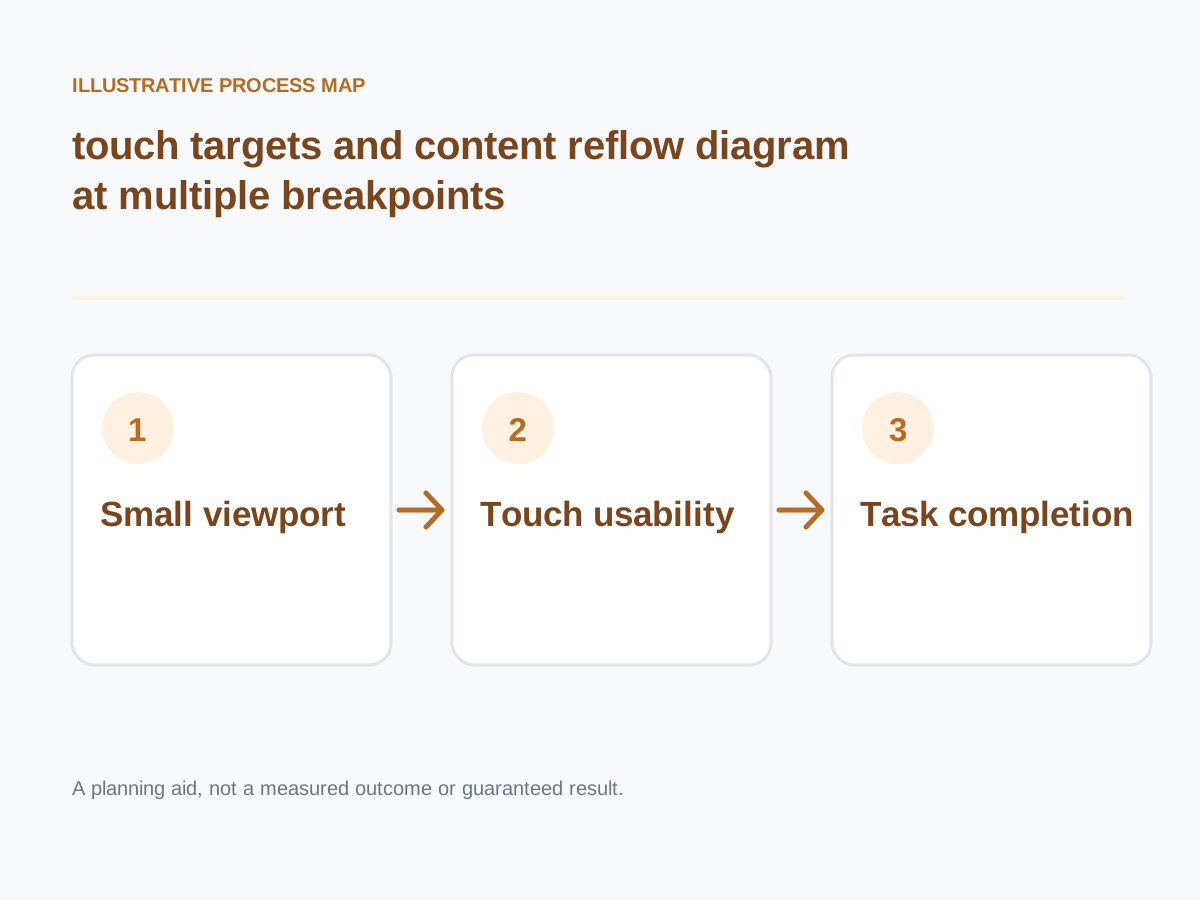
Conceptual illustration; not a client screenshot or measured result.
Prefer fluid layout primitives
Use CSS grid/flex and sensible min/max widths; let columns wrap and long text break safely.
How to verify: Inspect edge cases with long product titles and translated copy.
Design clear mobile navigation
Prioritize a small set of important destinations; ensure menus can close and remain usable with assistive tech.
How to verify: Test touch and keyboard opening, closing and focus return.
Measure experience, not only screenshots
Collect LCP, INP and CLS where possible, alongside user task completion.
How to verify: Review both real-user and lab evidence.
Maintain mobile quality
New widgets, embedded media and content changes can introduce regressions after launch.
How to verify: Add mobile checks to release acceptance criteria.
Avoid intrusive overlays
Check sticky banners, chat widgets and modals do not cover content, especially on short screens.
How to verify: Scroll through the page at reduced viewport height.
Test real forms
Validate appropriate input types, autocomplete, errors, mandatory fields and keyboard obstruction issues.
How to verify: Submit a form on Android and iOS.
Use responsive images and media
Supply correctly sized assets, aspect ratios and appropriate loading strategies for high-value above-the-fold visuals.
How to verify: Check transfer size and LCP across devices.
Make controls comfortably usable
Provide sufficient spacing, visible focus states and labels for buttons, tabs and form controls.
How to verify: Complete core journeys by touch and keyboard.
Next step: Prioritise the checks relevant to your project, record a baseline, test changes and consult the website development services or book a consultation for implementation support.